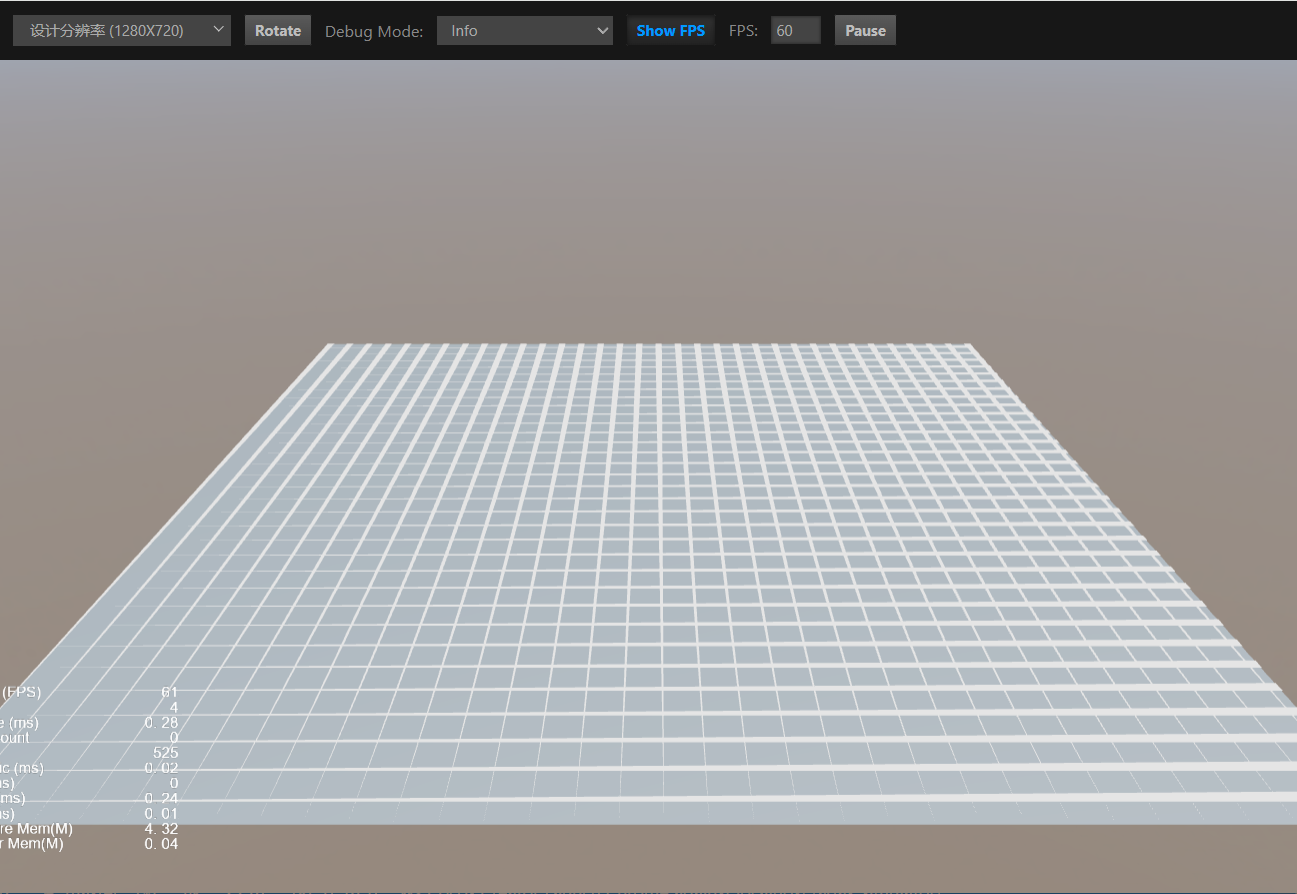
-
Creator 版本: 3.8.6
-
目标平台: Chrome
-
重现方式:代码复现
import { _decorator, Component, MeshRenderer, Node, Mesh, utils, geometry, gfx ,Material} from 'cc';
const { ccclass, property } = _decorator;

@ccclass('grid_mesh')
export class grid_mesh extends Component {
    start() {
        const meshRender = this.node.addComponent(MeshRenderer);
        meshRender.mesh = this.createGridMesh();

        const material = new Material();
        material.initialize({ effectName: 'builtin-unlit' });
        meshRender.material = material;
    }

    createGridMesh(): import("cc").Mesh {
        const positions = [];
        const indices = [];
        const verticesCount = 100; // 网格点数量
        const gridSize = 10; // 网格大小

        for (let i = 0; i <= verticesCount; i++) {
            const x = (i / verticesCount) * gridSize - gridSize / 2;
            positions.push(x, 0.01, -gridSize / 2); // 横向线
            positions.push(x, 0.01, gridSize / 2); // 横向线
            indices.push(i * 2, i * 2 + 1);
        }

        for (let j = 0; j <= verticesCount; j++) {
            const z = (j / verticesCount) * gridSize - gridSize / 2;
            positions.push(-gridSize / 2, 1, z); // 竖向线
            positions.push(gridSize / 2, 1, z); // 竖向线
            indices.push(verticesCount * 2 + j * 2, verticesCount * 2 + j * 2 + 1);
        }

        const mesh = utils.MeshUtils.createMesh({
            positions: positions,
            indices: indices,
            primitiveMode:gfx.PrimitiveMode.LINE_STRIP
        })
        return mesh;
    }

    update(deltaTime: number) {

    }
}
这段代码预期是使用createMesh创建一个网格,但是显示的结果却是三个position组成了三角形。为什么会这样?