
如题,我做了一个节点拖动,可以正常拖动,但是当我的鼠标没有点在节点的中点(也就是锚点)的位置时,节点的锚点总会瞬间跳到鼠标的位置。怎么解决这个问题呢?
首先 你计算的这个位置 + 锚点到你算出位置
比如 你算出的其实是 0 ,0点坐标 比如 锚点为 100,100 那你应该是减去这个锚点到0点即可
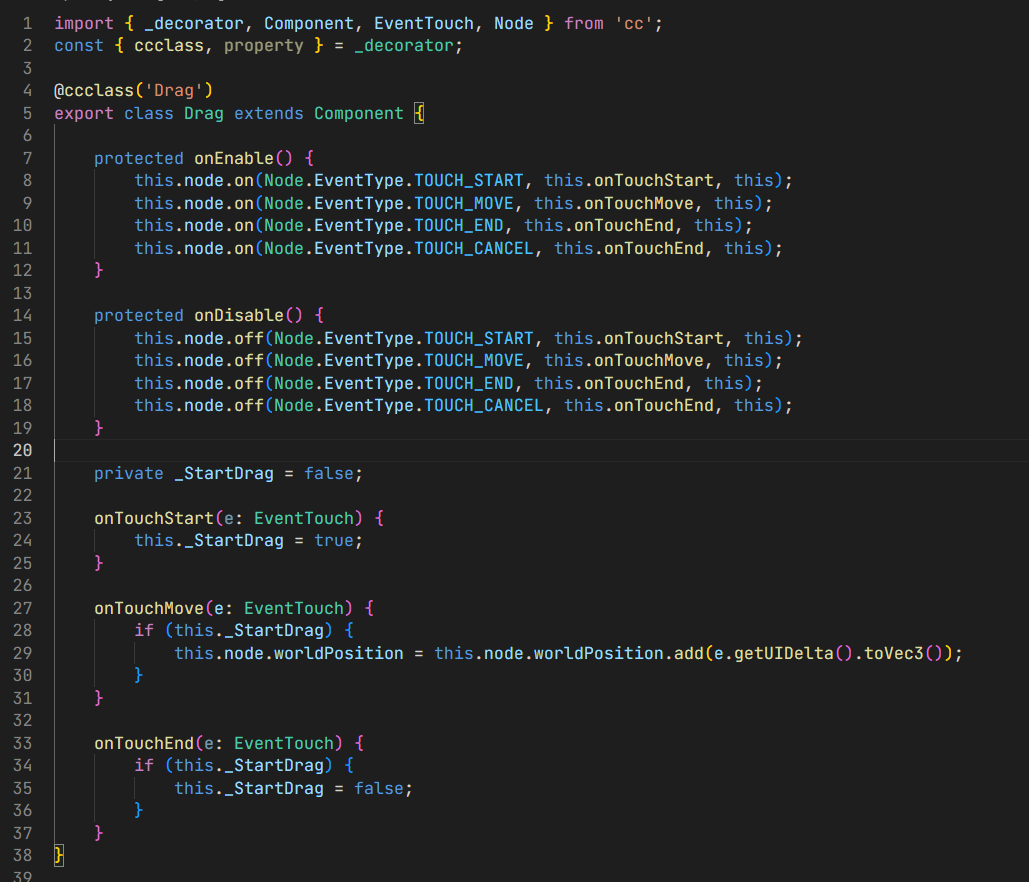
import { _decorator, Component, EventTouch, Node } from ‘cc’;
const { ccclass, property } = _decorator;
@ccclass(‘Drag’)
export class Drag extends Component {
protected onEnable() {
    this.node.on(Node.EventType.TOUCH_START, this.onTouchStart, this);
    this.node.on(Node.EventType.TOUCH_MOVE, this.onTouchMove, this);
    this.node.on(Node.EventType.TOUCH_END, this.onTouchEnd, this);
    this.node.on(Node.EventType.TOUCH_CANCEL, this.onTouchEnd, this);
}

protected onDisable() {
    this.node.off(Node.EventType.TOUCH_START, this.onTouchStart, this);
    this.node.off(Node.EventType.TOUCH_MOVE, this.onTouchMove, this);
    this.node.off(Node.EventType.TOUCH_END, this.onTouchEnd, this);
    this.node.off(Node.EventType.TOUCH_CANCEL, this.onTouchEnd, this);
}

private _StartDrag = false;

onTouchStart(e: EventTouch) {
    this._StartDrag = true;
}

onTouchMove(e: EventTouch) {
    if (this._StartDrag) {
        this.node.worldPosition = this.node.worldPosition.add(e.getUIDelta().toVec3());
    }
}

onTouchEnd(e: EventTouch) {
    if (this._StartDrag) {
        this._StartDrag = false;
    }
}
}