-
Creator 版本: 3.8.4
-
目标平台: Chrome浏览器,其实所有浏览器都是一样
-
重现方式:在浏览器当前游戏页面查看运行中的游戏,切换到浏览器其他页面标签,重新返回游戏页面,游戏重新从服务器加载了
如何在切换浏览器页面的时候只是让游戏暂停,再次打开游戏页面的时候游戏从暂停的地方开始运行而不是整个游戏从服务器重新加载
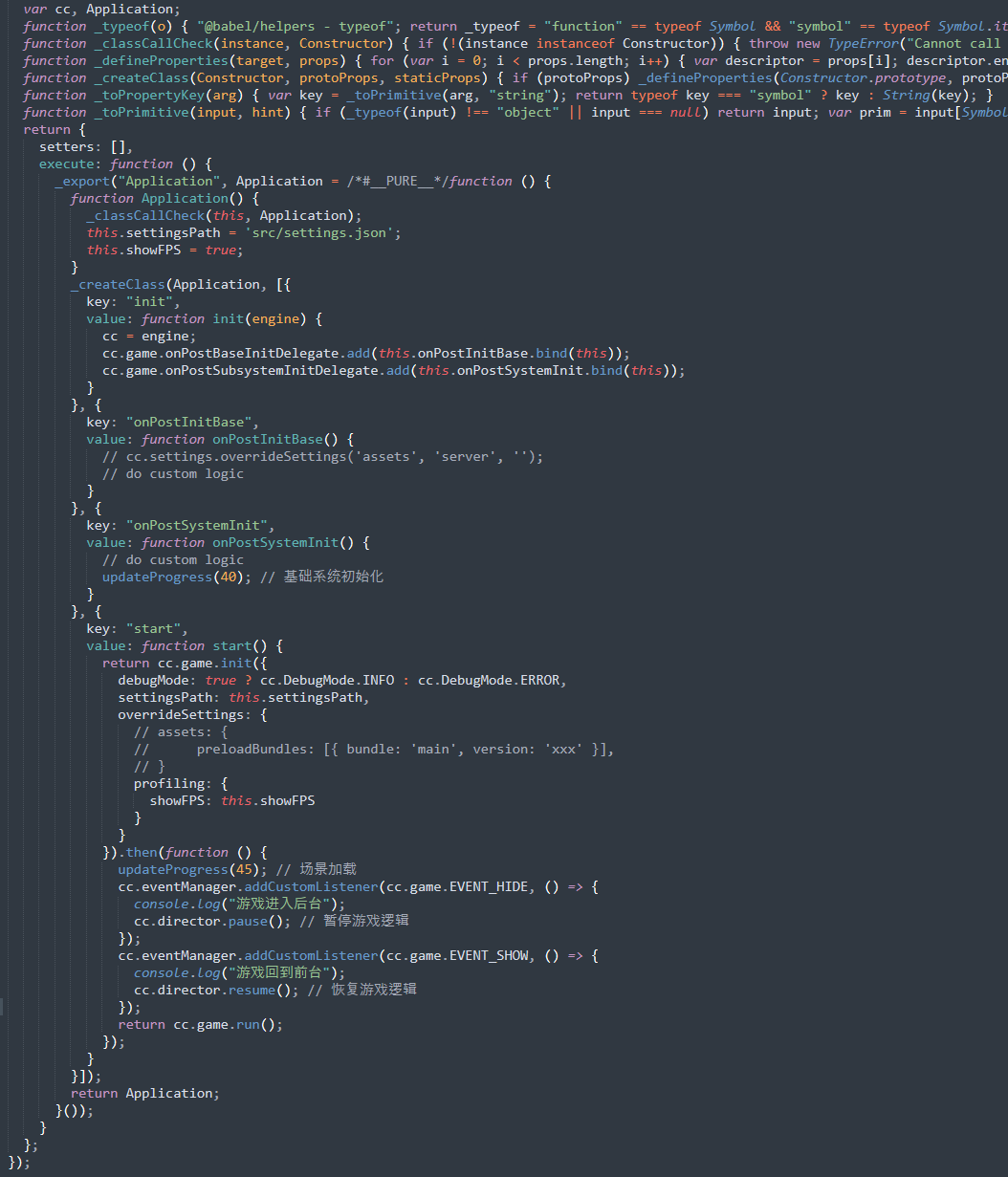
另外我在cc.game.init()完成后添加cc.eventManager.addCustomListener检测页面获取焦点和失去焦点好像都没有触发,用cc.game.on也是不行。
key: “start”,
value: function start() {
return cc.game.init({
debugMode: true ? cc.DebugMode.INFO : cc.DebugMode.ERROR,
settingsPath: this.settingsPath,
overrideSettings: {
// assets: {
// preloadBundles: [{ bundle: ‘main’, version: ‘xxx’ }],
// }
profiling: {
showFPS: this.showFPS
}
}
}).then(function () {
updateProgress(45); // 场景加载
cc.eventManager.addCustomListener(cc.game.EVENT_HIDE, () => {
console.log(“游戏进入后台”);
cc.director.pause(); // 暂停游戏逻辑
});
cc.eventManager.addCustomListener(cc.game.EVENT_SHOW, () => {
console.log(“游戏回到前台”);
cc.director.resume(); // 恢复游戏逻辑
});
return cc.game.run();
});
}