- Creator 版本: cocos 3.8.2
- 目标平台: h5
- 编辑器操作系统: win11
- 重现概率:高概率
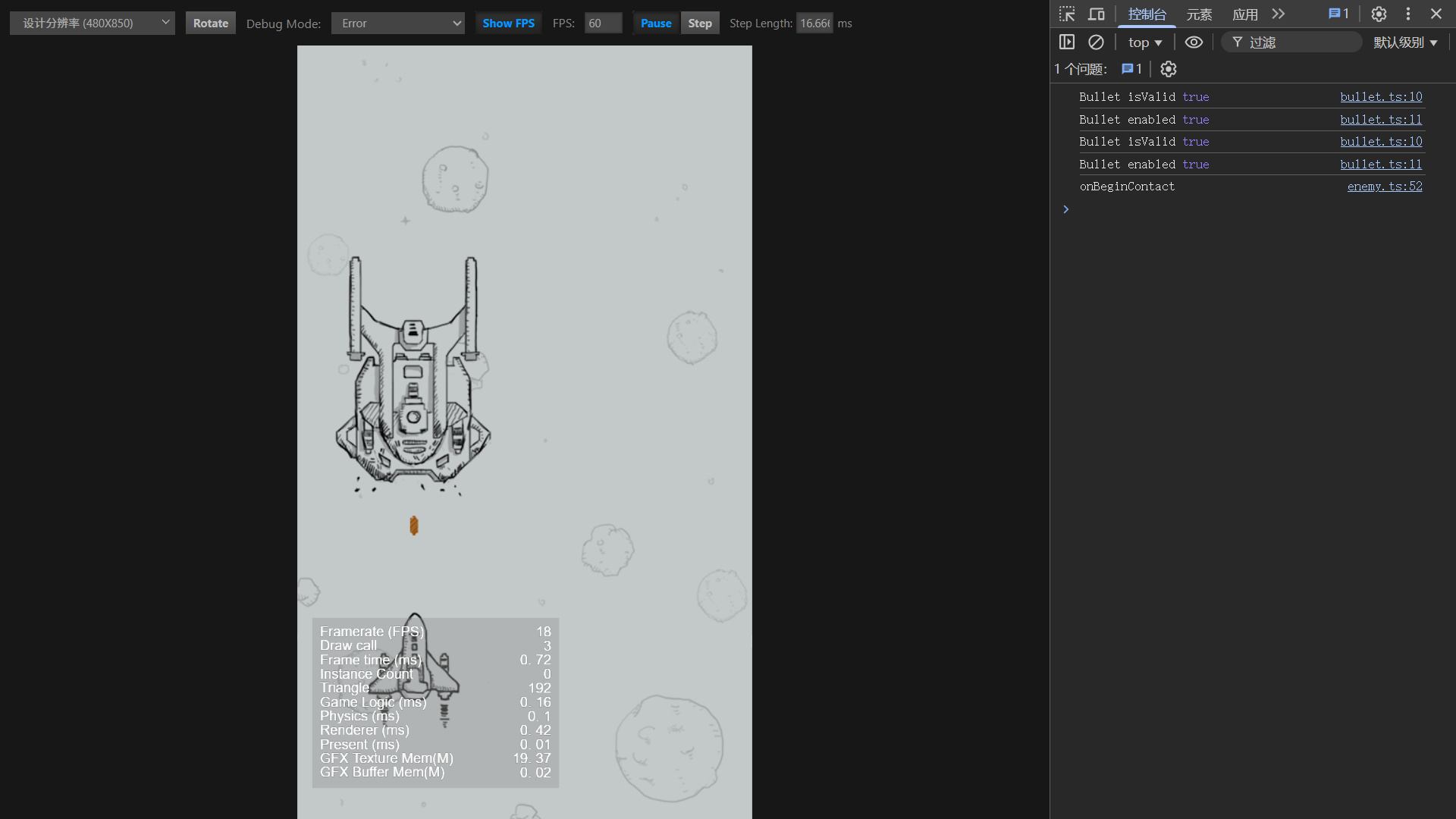
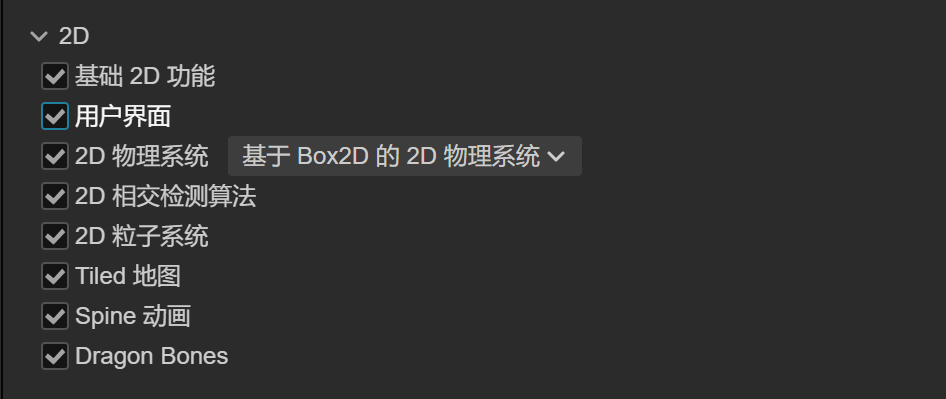
初学者跟着教程走,遇到显示子弹和敌机碰撞但未触发碰撞回调的问题,都添加了刚体,开启 EnabledContactListener,关闭 AllowSleep,应该不是代码问题,感觉哪里没有配置好。
物理系统
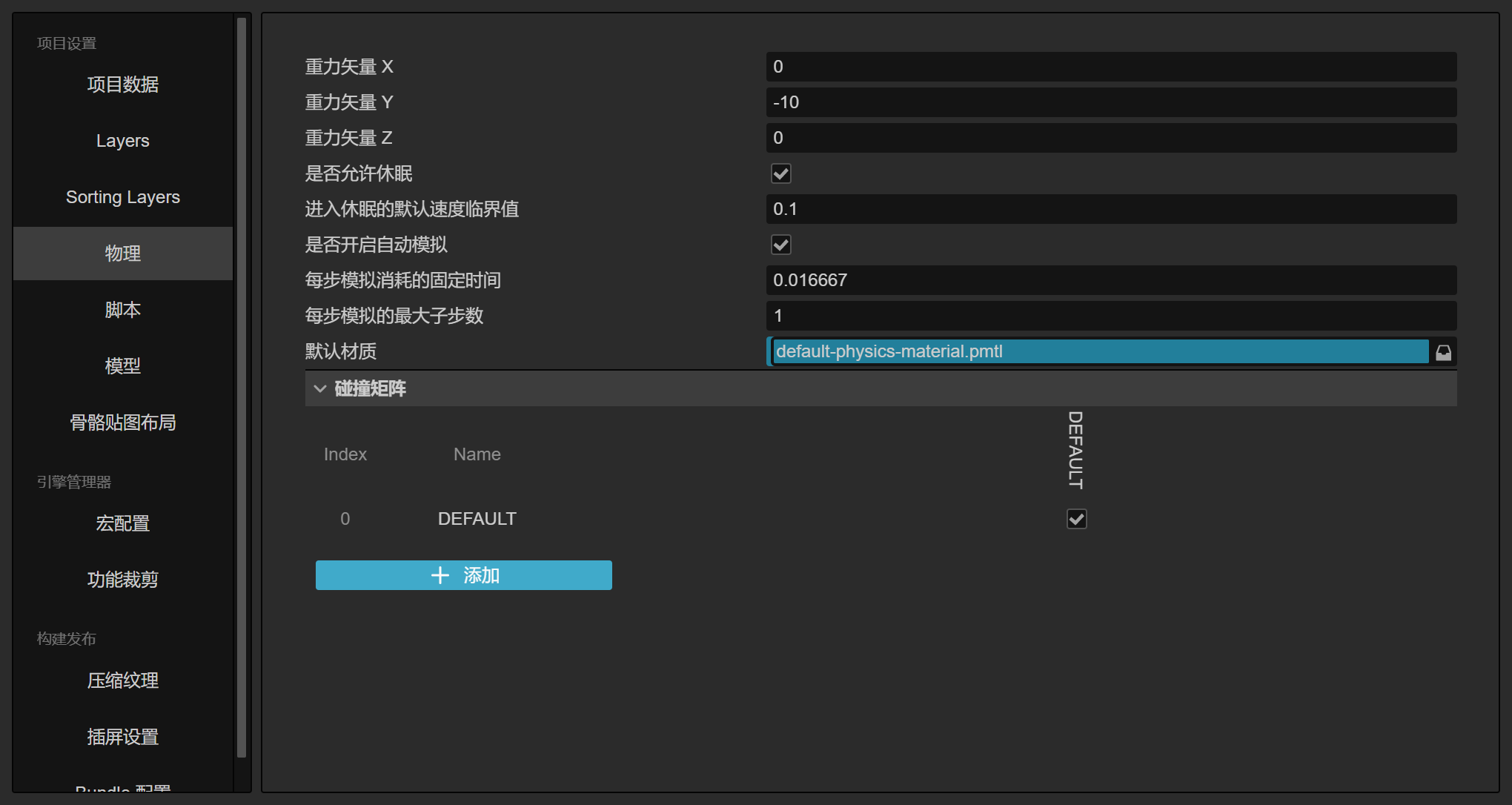
子弹属性
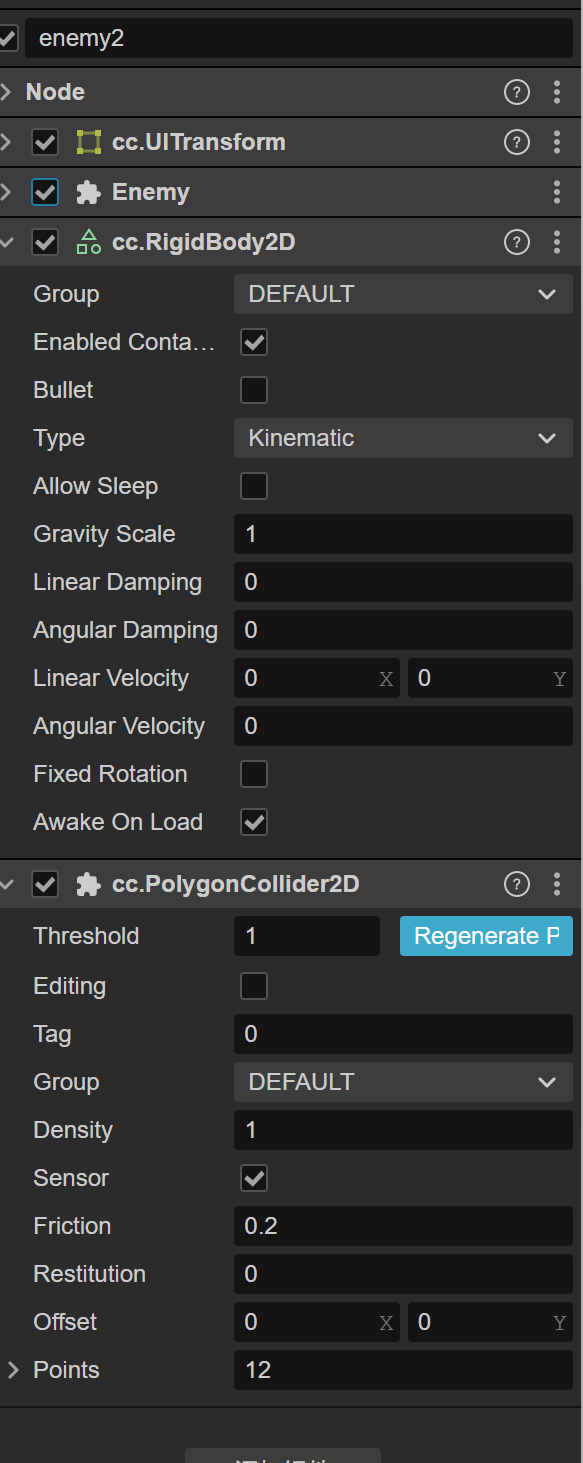
敌机属性
bullet.ts
import { _decorator, Component, Node, Collider2D } from 'cc'
const { ccclass, property } = _decorator

@ccclass('Bullet')
export class Bullet extends Component {
  @property
  speed: number = 300
  protected start(): void {
    const collider = this.getComponent(Collider2D)
    console.log('Bullet isValid', collider.isValid)
    console.log('Bullet enabled', collider.enabled)
  }
  protected update(deltaTime: number): void {
    const pos = this.node.position
    this.node.setPosition(pos.x, pos.y + this.speed * deltaTime, pos.z)

    // 背景高度 850,该组件父节点居中,所有大于 450 即可认为超出屏幕,便销毁。
    if (pos.y > 450) {
      this.node.destroy()
    }
  }
}
enemy.ts
@ccclass('Enemy')
export class Enemy extends Component {
  @property
  speed: number = 500
  @property(Animation)
  anim: Animation = null
  @property(CCInteger)
  hp: number = 1
  @property(CCString)
  animHit: string = ''
  @property(CCString)
  animDie: string = ''
  collider: Collider2D = null

  protected start(): void {
    this.collider = this.getComponent(Collider2D)
    this.collider?.off(Contact2DType.BEGIN_CONTACT, this.onBeginContact, this)
    console.log('Enemy isValid', this.collider.isValid)
    console.log('Enemy enabled', this.collider.enabled)
  }

  protected onDestroy(): void {
    this.collider?.off(Contact2DType.BEGIN_CONTACT, this.onBeginContact, this)
  }
  protected update(deltaTime: number): void {
    const pos = this.node.position
    // 死亡后停止移动
    if (this.hp > 0) {
      this.node.setPosition(pos.x, pos.y - this.speed * deltaTime, pos.z)
    }
    // 超出边界销毁
    if (pos.y < -450) {
      this.node.destroy()
    }
  }

  onBeginContact(selfCollider: Collider2D, otherCollider: Collider2D, contact: IPhysics2DContact | null): void {
    console.log('onBeginContact')
    this.hp -= 1
    this.scheduleOnce(() => {
      otherCollider.node.destroy()
    }, 0)
    if (this.hp > 0) {
      this.anim.play(this.animHit)
    } else {
      this.anim.play(this.animDie)
      this.schedule(() => {
        this.node.destroy()
      }, 1)
      if (this.collider) {
        this.collider.enabled = false
      }
    }
  }
}
现象:
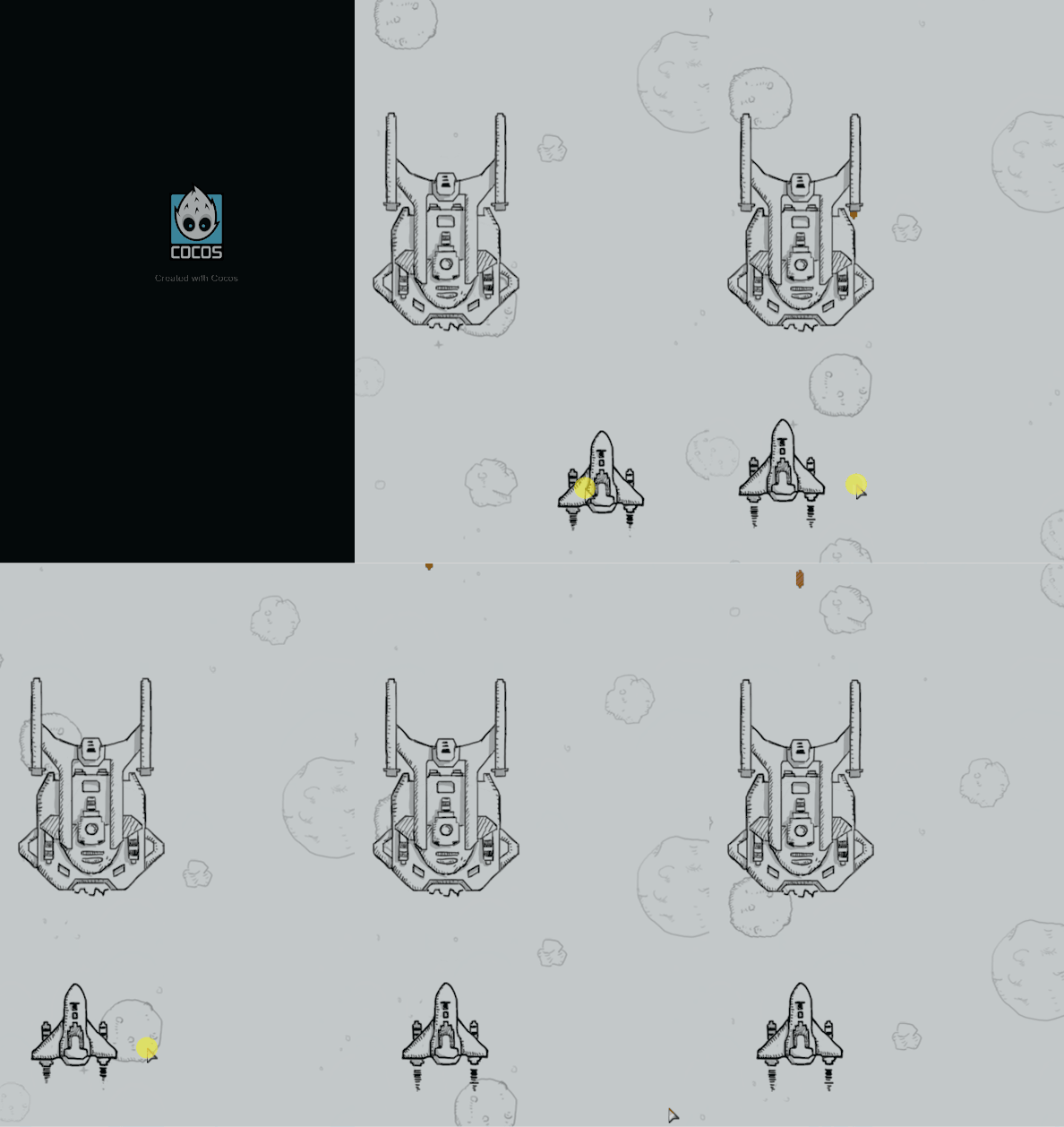
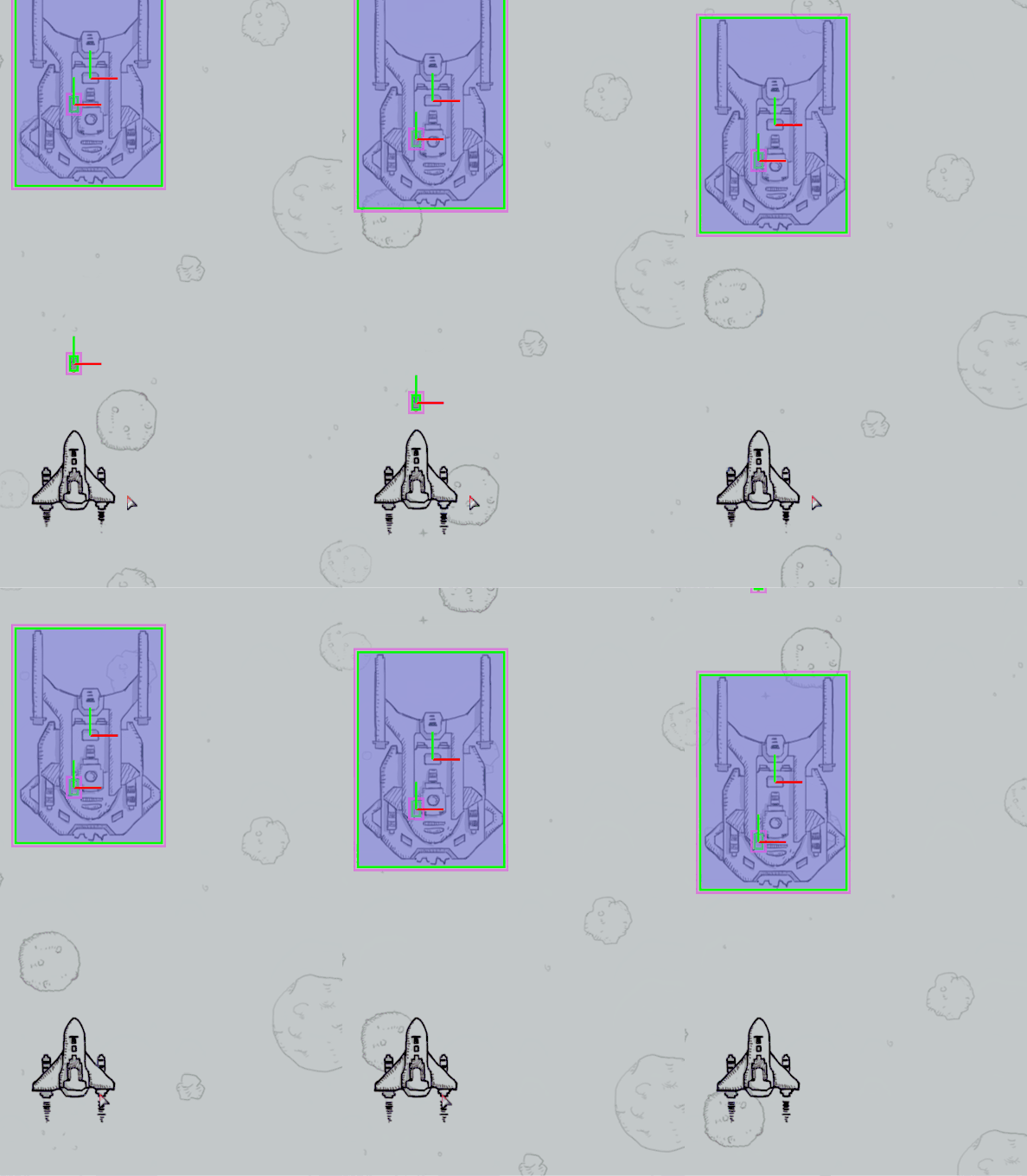
开启绘制物理调试信息,发现未发生发生碰撞。
demo 地址:https://gitee.com/zozh/CocosHelp.git