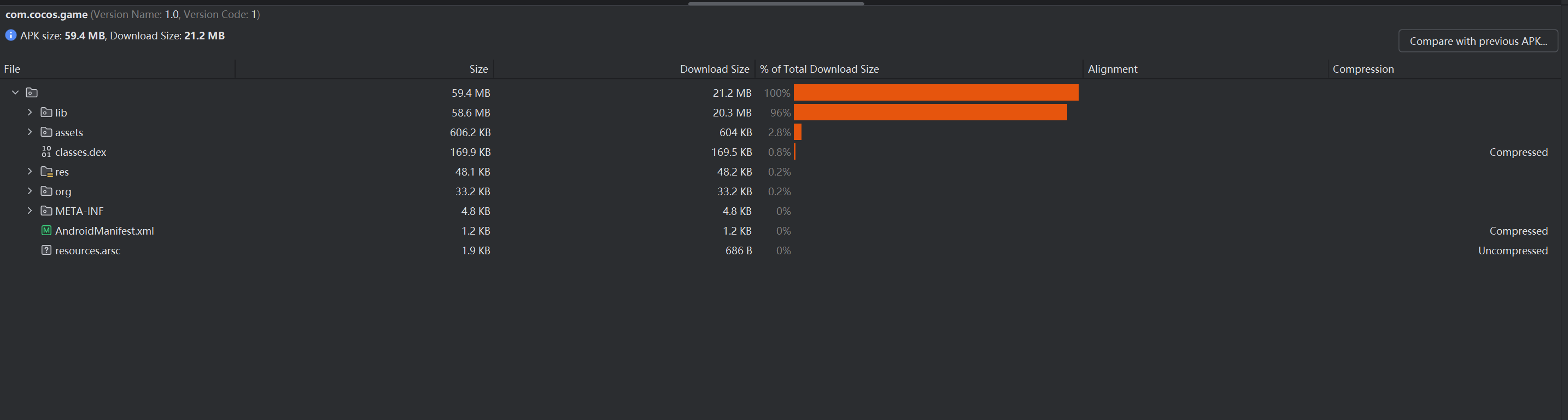
3.6版本升级16KB分享,更高版本同理
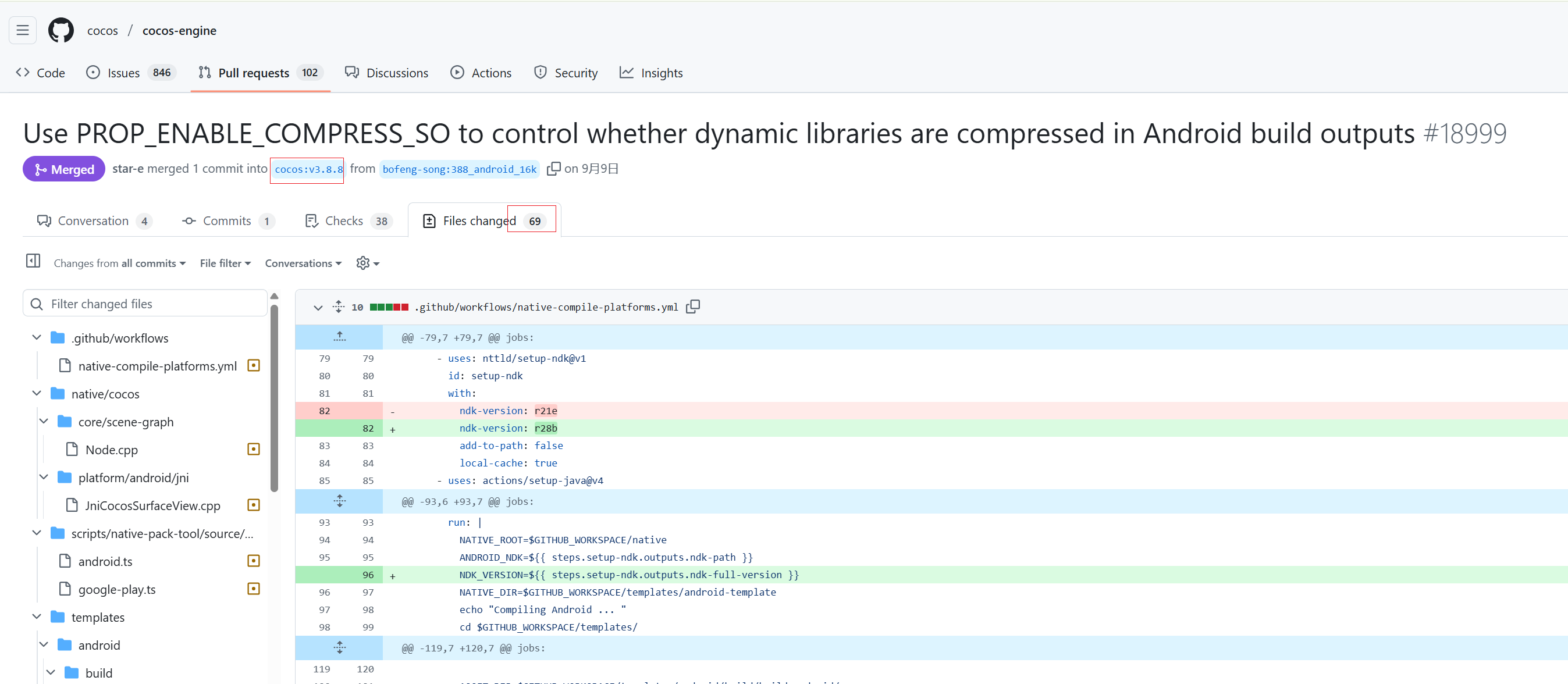
由于很多项目并不适合直接升级最新版本来支持16KB,所以本人参考高版本引擎代码,结合官方16KBPR,整理出了3.6版本适配16KB的方法
简单来说支持16KB对齐就两个步骤
- 第一升级V8
- 第二适配升级后的V8
本文将使用3.6.0来示例,所有修改均参考自高版本引擎代码和16KB适配PR;
本方案经简单测试,未发现异常。 未曾详细测试
1.准备环境
-
创建一个空的Cocos项目,然后构建android工程
-
环境介绍:
- CocosCreao3.6.0
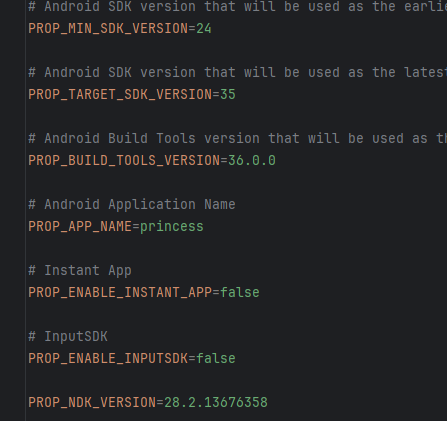
- NDK 24+即可
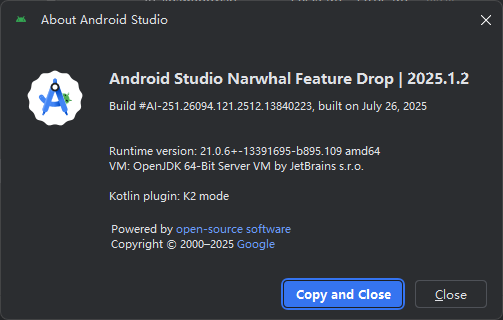
- AndroidStudio 2024.3.2 或更新
- Gradle 8.11.1
- Gradle插件 8.10.0
-
先确保此时工程编译正常,能运行起来。
-
项目同步完成后,找到app下的build.gradle 在android下新增 ndkVersion “24.xxx”,和ndkPath配置项保持一致,不然可能会报错版本不一致
-
你可能会遇到 namespace 什么一堆问题,这是因为新版本的gradle所导致,你需要分别在 libcocos.libservice,主项目,每个模块的build.gradle中的android下,声明namespace,并把对应包名配上;之后一些Cocos的java类会找不到R,只需重新导入即可。不的会问AI
-
可能还会遇到主题找不到R的问题,在CocosActivity.java中设置主题使用
setTheme(androidx.appcompat.R.style.Theme_AppCompat_Light_NoActionBar); -
如果你用的是高版本的ndk,在编译时可能还会遇到此报错,大概是·
'unary_function' in namespace 'std'; did you mean '__unary_function'?这个问题论坛有方案,在对应版本引擎目录 Creator\3.x.x\resources\resources\3d\engine\native 路径下的CMakeLists.txt中 在85行左右新增
if(NOT WINDOWS) add_definitions(-DBOOST_NO_CXX98_FUNCTION_BASE) endif() -
到这里,项目应该可以能运行起来了,以上问题和本次适配16KB无关,是适配新版本Gradle等问题
2.替换V8
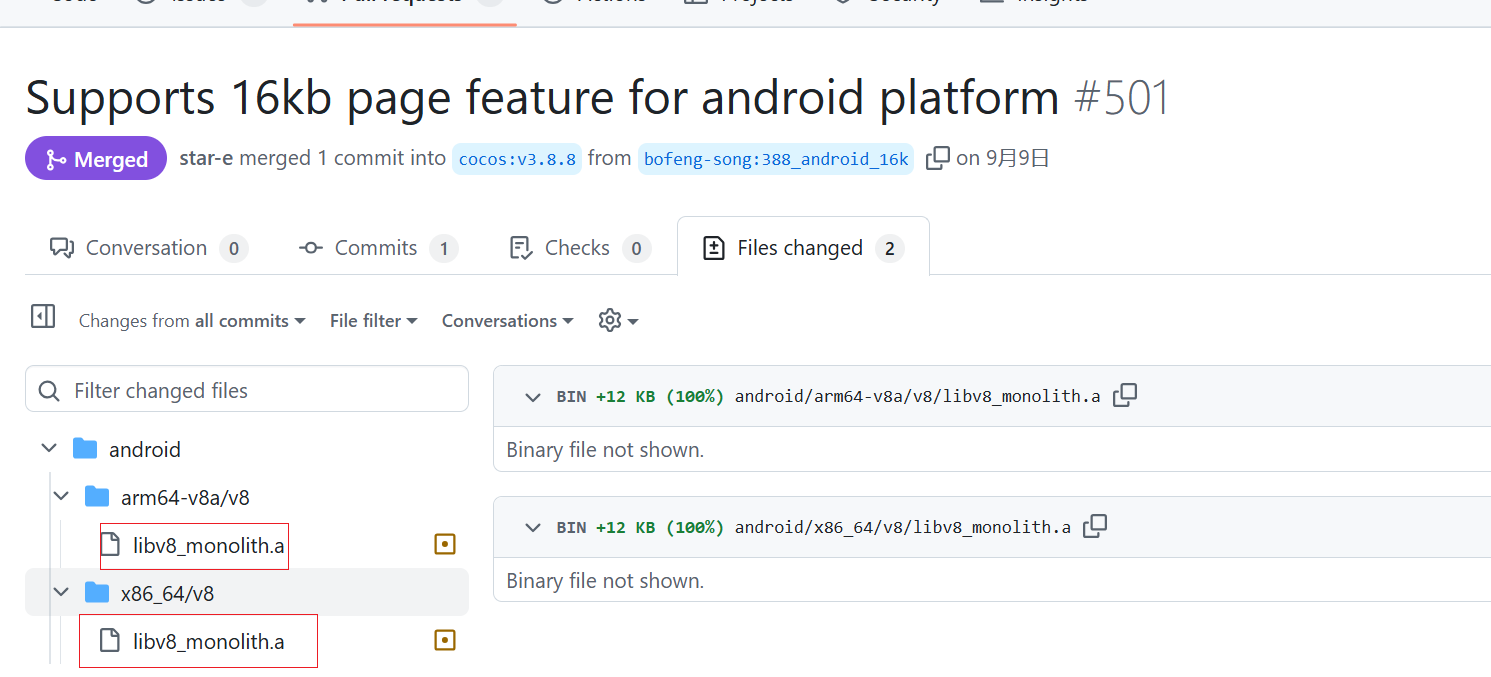
- 先下载官方给的支持16KB的cocos-engine-external GitHub
- 将下载后的 cocos-engine-external-3.8.7-16k\android 中多个架构中的include/v8 和 v8 ,全部替换到360引擎对应目录下 Creator\3.6.0\resources\resources\3d\engine-native\external\android
- 由于新版本生成的静态库是libv8_monolith.a 和 老版本不同,所以要改下CMake中相对应的链接部分(参考自高版本引擎代码)
-
在引擎路径 Creator\3.6.0\resources\resources\3d\engine\native\external\android\CMakeLists.txt中,大概74行开始,替换部分代码
# if(USE_SE_V8) # add_library(v8_monolith STATIC IMPORTED GLOBAL) # set_target_properties(v8_monolith PROPERTIES # IMPORTED_LOCATION ${platform_spec_path}/v8/libv8_monolith.a # INTERFACE_INCLUDE_DIRECTORIES ${platform_spec_path}/include/v8 # ) # if(ANDROID_ABI STREQUAL "arm64-v8a" OR ANDROID_ABI STREQUAL "x86_64") # set_property(TARGET v8_monolith # APPEND PROPERTY INTERFACE_COMPILE_DEFINITIONS V8_COMPRESS_POINTERS # ) # endif() # #add_library(v8_inspector STATIC IMPORTED GLOBAL) # # set_target_properties(v8_inspector PROPERTIES # # IMPORTED_LOCATION ${platform_spec_path}/v8/libinspector.a # # INTERFACE_INCLUDE_DIRECTORIES ${platform_spec_path}/include/v8 # # ) # # set(se_libs_name v8_monolith v8_inspector) # set(se_libs_name v8_monolith) # set(se_libs_include ${platform_spec_path}/include/v8) # endif() if(USE_SE_V8 OR USE_SE_JSVM) add_library(v8_monolith STATIC IMPORTED GLOBAL) set_target_properties(v8_monolith PROPERTIES IMPORTED_LOCATION ${platform_spec_path}/v8/libv8_monolith.a INTERFACE_INCLUDE_DIRECTORIES ${platform_spec_path}/include/v8 ) if(ANDROID_ABI STREQUAL "arm64-v8a" OR ANDROID_ABI STREQUAL "x86_64") set_property(TARGET v8_monolith APPEND PROPERTY INTERFACE_COMPILE_DEFINITIONS V8_COMPRESS_POINTERS ) endif() set(se_libs_name v8_monolith) set(se_libs_include ${platform_spec_path}/include/v8) endif() -
注释掉这部分代码
# if(USE_SE_V8 AND USE_V8_DEBUGGER )
#     list(APPEND CC_EXTERNAL_LIBS
#         v8_inspector
#     )
# endif()
-
3.适配V8
-
1.修改 Creator\3.6.0\resources\resources\3d\engine-native\cocos\bindings\jswrapper\v8\debugger\env.h (参考自引擎适配16KBPR)
-
390行附近
// inline void ThrowError(v8::Local<v8::Value> (*fun)(v8::Local<v8::String>), // const char *errmsg); inline void ThrowError(v8::Local<v8::Value> (*fun)(v8::Local<v8::String>, v8::Local<v8::Value>), const char *errmsg); -
538行附近
inline void Environment::ThrowError(
    //v8::Local<v8::Value> (*fun)(v8::Local<v8::String>),
    v8::Local<v8::Value> (*fun)(v8::Local<v8::String>, v8::Local<v8::Value> options),
    const char *errmsg) {
    v8::HandleScope handle_scope(isolate());
    //isolate()->ThrowException(fun(OneByteString(isolate(), errmsg)));
    isolate()->ThrowException(fun(OneByteString(isolate(), errmsg, strlen(errmsg)), {}));

}
-
-
2.修改Creator\3.6.0\resources\resources\3d\engine-native\cocos\bindings\jswrapper\v8\debugger\inspector_agent.cpp (参考自高版本引擎)
-
390行附近
    explicit ChannelImpl(V8Inspector *inspector,
                         InspectorSessionDelegate *delegate)
    : delegate_(delegate) {
        // session_ = inspector->connect(1, this, StringView());
        #if V8_MAJOR_VERSION > 10 || (V8_MAJOR_VERSION == 10 && V8_MINOR_VERSION > 3)
            session_ = inspector->connect(1, this, StringView(), v8_inspector::V8Inspector::ClientTrustLevel::kFullyTrusted);
        #else
            session_ = inspector->connect(1, this, StringView());
        #endif
    }
-
-
3.修改C:\ProgramData\cocos\editors\Creator\3.6.0\resources\resources\3d\engine-native\cocos\bindings\jswrapper\v8\ScriptEngine.cpp (参考自高版本引擎和16KBPR)
-
225行附近
~ScriptEngineV8Context() { v8::V8::Dispose(); //v8::V8::ShutdownPlatform(); #if V8_MAJOR_VERSION > 9 || (V8_MAJOR_VERSION == 9 && V8_MINOR_VERSION > 7) v8::V8::DisposePlatform(); #else v8::V8::ShutdownPlatform(); #endif delete platform; } -
265行附近
void ScriptEngine::onOOMErrorCallback(const char *location, #if V8_MAJOR_VERSION > 10 || (V8_MAJOR_VERSION == 10 && V8_MINOR_VERSION > 4) const v8::OOMDetails &details #else bool isHeapOom #endif ) { ccstd::string errorStr = "[OOM ERROR] location: "; errorStr += location; ccstd::string message; message = "is heap out of memory: "; #if V8_MAJOR_VERSION > 10 || (V8_MAJOR_VERSION == 10 && V8_MINOR_VERSION > 4) if (details.is_heap_oom) { #else if (isHeapOom) { #endif message += "true"; } else { message += "false"; } errorStr += ", " + message; SE_LOGE("%s\n", errorStr.c_str()); getInstance()->callExceptionCallback(location, message.c_str(), "(no stack information)"); } -
855行附近
//v8::ScriptOrigin origin(_isolate, originStr.ToLocalChecked()); v8::ScriptOrigin origin(originStr.ToLocalChecked()); -
945行附近
//v8::ScriptOrigin origin(_isolate, scriptPath); v8::ScriptOrigin const origin(scriptPath); -
1009行附近
  // v8::ScriptOrigin origin(_isolate, scriptPath, 0, 0, true);
    v8::ScriptOrigin const origin(scriptPath, 0, 0, true);
-
-
4.修改Creator\3.6.0\resources\resources\3d\engine-native\cocos\bindings\jswrapper\v8\ScriptEngine.h (参考自高版本引擎和16KBPR)
- 367行附近
//static void onOOMErrorCallback(const char *location, bool isHeapOom);
    static void onOOMErrorCallback(const char *location,
    #if V8_MAJOR_VERSION > 10 || (V8_MAJOR_VERSION == 10 && V8_MINOR_VERSION > 4)
                                   const v8::OOMDetails &details
    #else
                                   bool isHeapOom
    #endif
    );
- 367行附近
4.开启16KB,测试运行
-
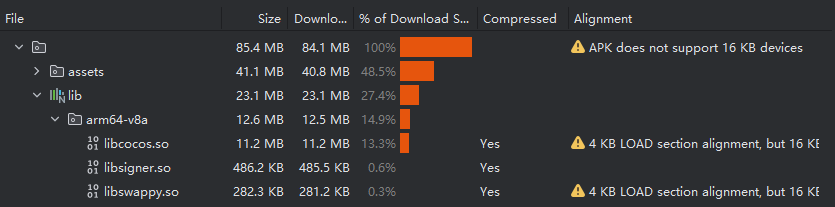
完成以上修改,此时项目应该可以编译运行了,但是由于我们使用的是低版本的NDK,所以默认未开启16KB,需要手动设置16KB。
-
打开你的cocos项目,在\native\engine\android\CMakeLists.txt,增加如下
# 开启16KB if(ANDROID) target_link_options(${CC_LIB_NAME} PRIVATE "-Wl,-z,max-page-size=16384") endif() cc_android_after_target(${CC_LIB_NAME}) -
重新Clean编译运行,现在应该可以支持16KB了