预览

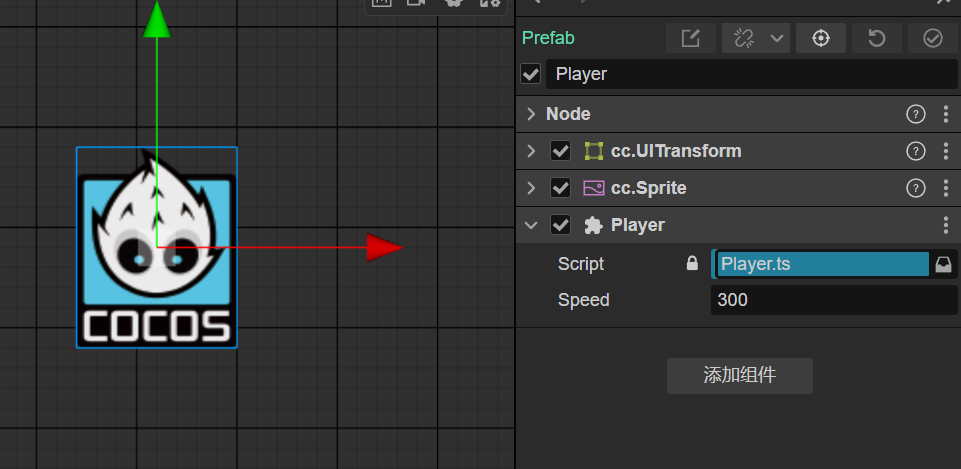
角色预制体
逻辑代码
import { _decorator, Component, EventTouch, Input, input, Node, UITransform, Vec3 } from 'cc';
const { ccclass, property } = _decorator;

@ccclass('Player')
export class Player extends Component {
@property
speed = 300;

targetPos: Vec3 | null = null;
start() {
    input.on(Input.EventType.TOUCH_END, () => input.off(Input.EventType.TOUCH_MOVE));
    input.on(Input.EventType.TOUCH_START, (e) => {
        this.onTouchStart(e);
        input.on(Input.EventType.TOUCH_MOVE, (e) => this.onTouchStart(e));
    });
}

onTouchStart(event: EventTouch) {
    // 获取点击位置
    const uiPos = event.getUILocation();
    this.targetPos = this.node.parent.getComponent(UITransform).convertToNodeSpaceAR(uiPos.toVec3());
}

update(deltaTime: number) {
    if (!this.targetPos) return;

    const player_pos = this.node.position.clone();

    const dir = new Vec3();
    Vec3.subtract(dir, this.targetPos, player_pos);

    const length = dir.length();
    if (length < this.node.getComponent(UITransform).width / 2) {
        this.node.setPosition(this.targetPos);
        this.targetPos = null;
    }
    dir.normalize();
    let newPos = player_pos.add(dir.multiplyScalar(this.speed * deltaTime));
    this.node.setPosition(newPos);
    const angle = Math.atan2(dir.y, dir.x);
    // y方向为前
    this.node.angle = angle * 180 / Math.PI - 90;
}
}
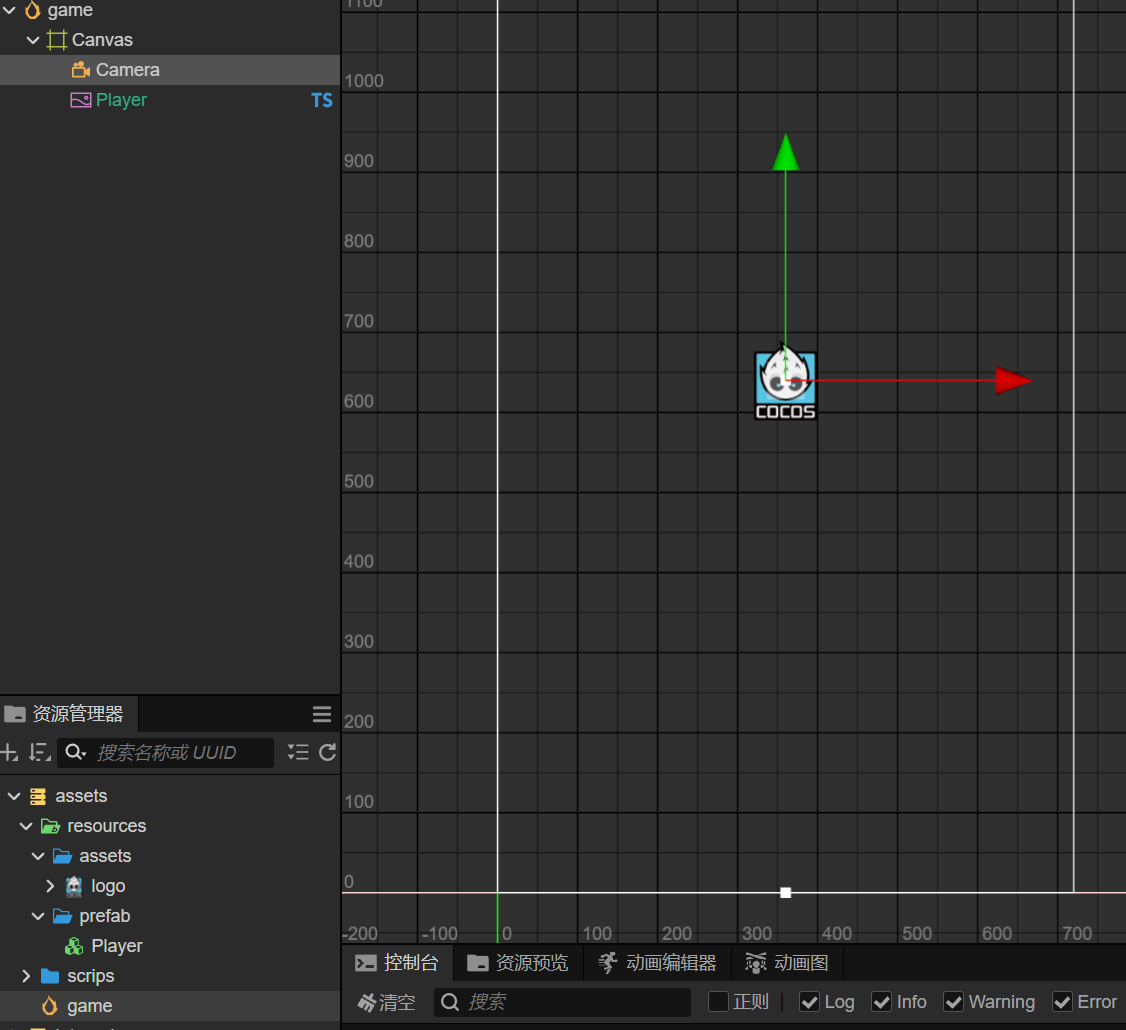
场景结构
技术支持联系
- 微信:liminmsn