
此贴立项来源
铺垫两篇帖的主角登场咯 - Store - Cocos中文社区
- 微信小游戏,在游戏内播放视频,控制按钮在视频上。[
 ]
] - 一个cocos脚本挂在再sprite上面就可以播放这张9帧率动画 不需要而外的的第三方工具锚点配置文件[

 ]
]
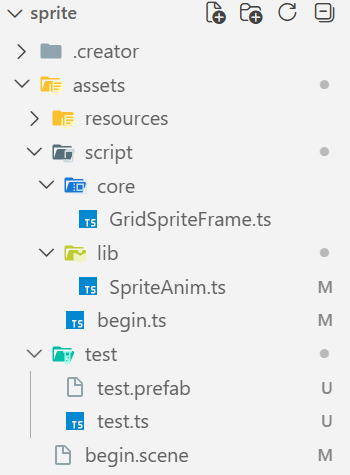
项目结构图
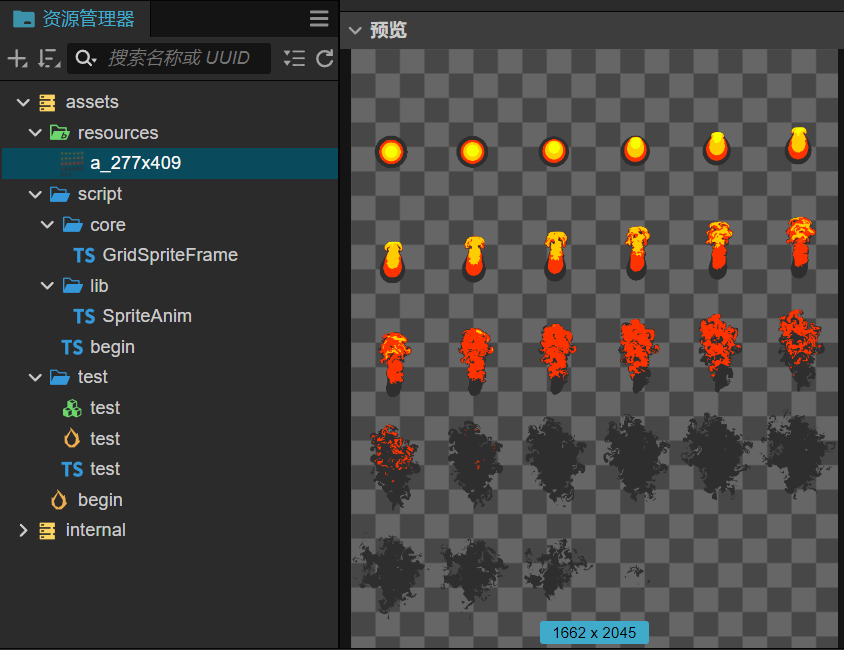
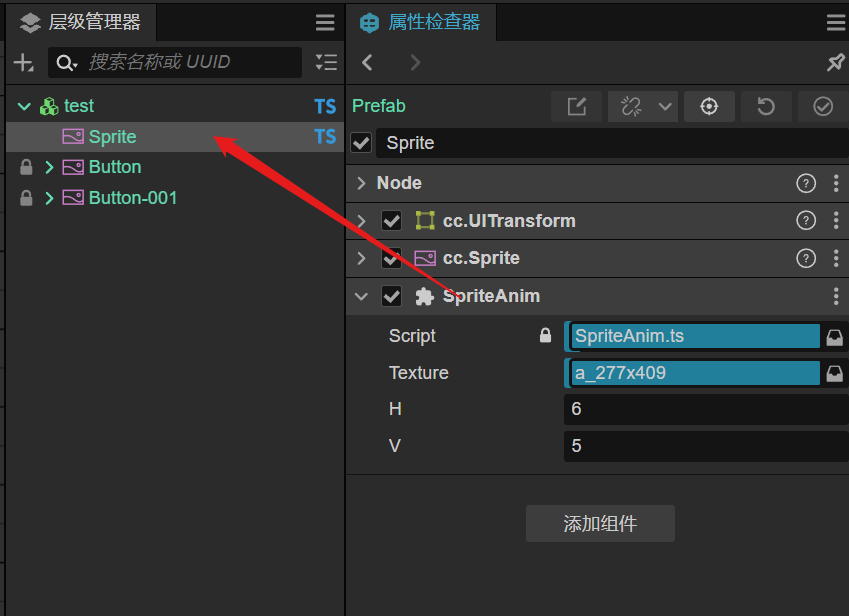
预览截图
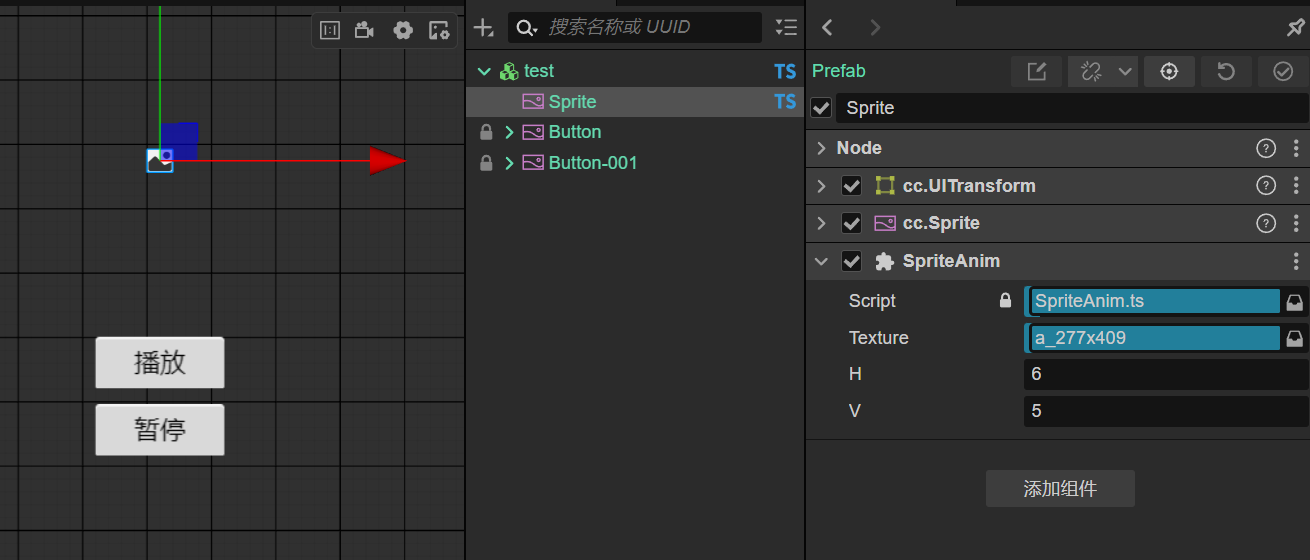

视频演示:
预览地址
个人总结
核心内容如标题
什么概念、引用什么什么技术,崔牛皮啥的懒得吹了挺费劲
核心代码在下面,没有接入实际项目代码场景。
也有目前封装的这个是针对想实际项目使用的,上传cocos商店卖个几块钱。
|
|

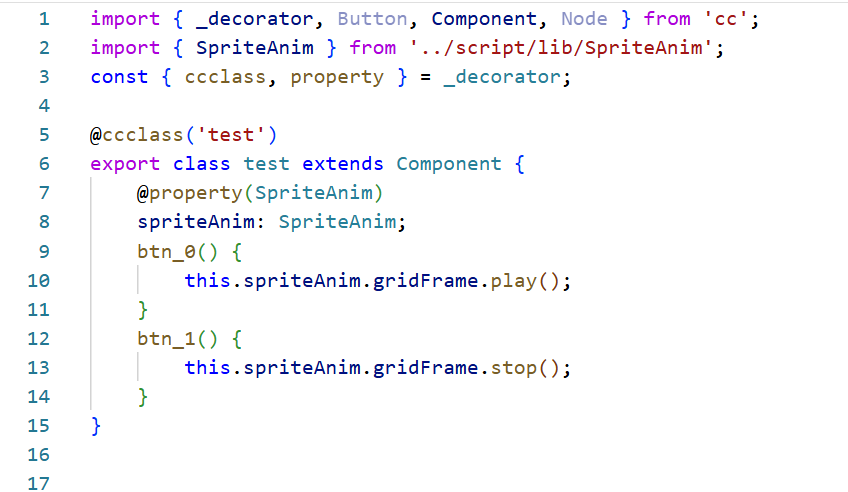
GridSpriteFrame .ts
import { Sprite, SpriteFrame, Vec2, Rect, Texture2D } from "cc";

export default class GridSpriteFrame {
    private rect_arr: Rect[] = [];
    constructor(private sprite: Sprite, private texture: Texture2D, private v2: Vec2) {
        const { x, y } = this.v2;
        const box_w = this.texture.width / x;
        const box_h = this.texture.height / y;

        for (let j = 0; j < y; j++) {
            for (let i = 0; i < x; i++) {
                this.rect_arr.push(new Rect(i * box_w, j * box_h, box_w, box_h));
            }
        }
        this.set_frame(0);
    }
    private set_frame(idx: number) {
        const newSF = new SpriteFrame();
        newSF.texture = this.texture;
        newSF.rect = this.rect_arr[idx];
        this.sprite.spriteFrame = newSF;
    }

    isPlay = false;
    idx = 0;
    update(deltaTime: number) {
        if (this.isPlay) {
            if (this.idx == this.rect_arr.length) this.idx = 0;
            this.set_frame(this.idx);
            this.idx++;
        }
    }

    play() {
        this.isPlay = true;
    }

    stop() {
        this.isPlay = false;
    }
}