
跟着教程搞了一个热更新竟然成功了

主要是参考了官方教程 https://docs.cocos.com/creator/manual/zh/advanced-topics/assets-manager.html
以及这篇教程 https://forum.cocos.com/t/topic/78709
附上我的测试工程test.rar (950.9 KB)

引擎使用的是2.1.2,所以出现了一个报错 Uncaught TypeError: window.requestAnimFrame is not a function
但是貌似没啥影响。查了一下说是2.1.3修复了。然后忽略这个之后继续。就ok了。

说一下最最容易忘记的 就是打安卓包的时候需要构建两次,第一次构建完成之后利用官方工具生成的project.manifest需要丢到工程里面。然后再次构建才能生成安卓包。
官方工具依赖node,所以需要装一下。

2赞

:grinning:

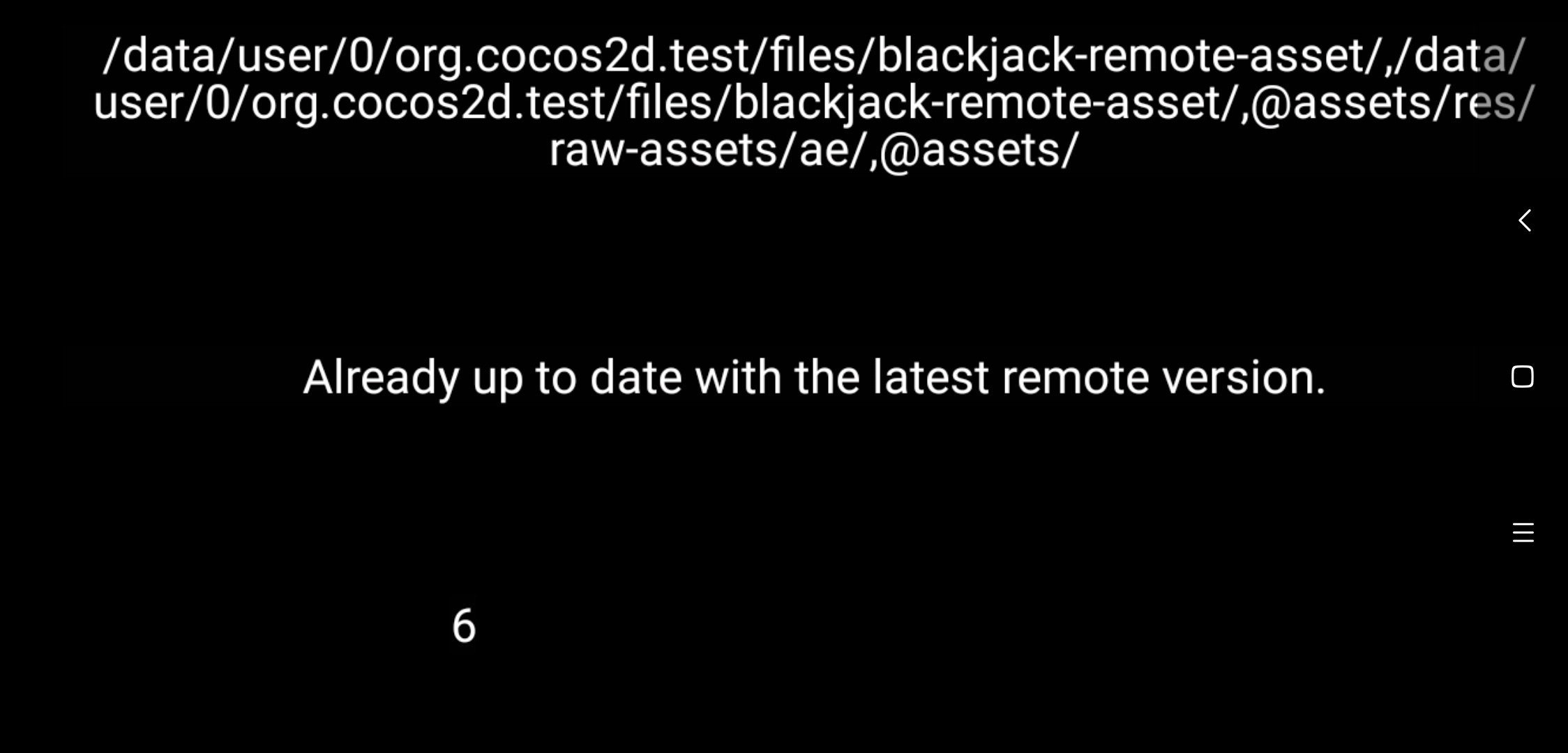
searchPaths貌似没有去重


而且会多出来一个manifest的路径
1 缓存路径重复
2 多了一条manifest的路径

找到 缓存路径重复 的原因了, 是HotUpdate.js脚本的这段代码导致的


var searchPaths = jsb.fileUtils.getSearchPaths();
var newPaths = this._am.getLocalManifest().getSearchPaths();
console.log(JSON.stringify(newPaths));
Array.prototype.unshift.apply(searchPaths, newPaths);
// This value will be retrieved and appended to the default search path during game startup,
// please refer to samples/js-tests/main.js for detailed usage.
// !!! Re-add the search paths in main.js is very important, otherwise, new scripts won’t take effect.
cc.sys.localStorage.setItem(‘HotUpdateSearchPaths’, JSON.stringify(searchPaths));
jsb.fileUtils.setSearchPaths(searchPaths);

2的原因


void Manifest::prependSearchPaths()
{
std::vectorstd::string searchPaths = FileUtils::getInstance()->getSearchPaths();
std::vectorstd::string::iterator iter = searchPaths.begin();
bool needChangeSearchPaths = false;
if (std::find(searchPaths.begin(), searchPaths.end(), _manifestRoot) == searchPaths.end())
{
searchPaths.insert(iter, _manifestRoot);
needChangeSearchPaths = true;
}


_manifestRoot 在第一次检测热更的时候这个地址是app包内manifest的相对路径。所以会多出来一条。