CocosCreator 3.5.X

  • 3.5.2

  • web-mobile

  • git clone -> jenkins build by Windows Shell Command Line
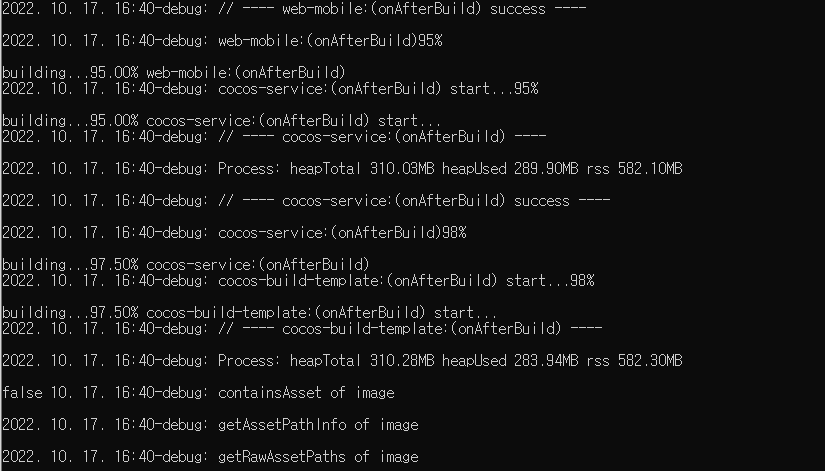
    image

      1. 16:42-error: The asset {asset({asset(db://internal/effects/builtin-sprite.effect)})}, cc.EffectAsset is invalid, first confirm whether the asset is imported correctly.
      1. 16:42-error: The asset {asset({asset(db://internal/effects/builtin-particle.effect)})}, cc.EffectAsset is invalid, first confirm whether the asset is imported correctly.

Resources do not match on the real web after build, and problems arise.

This must happen only through ‘auto build’ through Jenkins, and the build proceeds normally after manually building once.

  • 에디터 OS: Windows
  • 재발 확률: 100%
1赞

Is there a problem with the first build after deploying a project on Jenkins?

  1. First Clone
  2. Jenkins BUILD
  3. The asset {asset({asset(db://internal/effects/builtin-sprite.effect)})}, cc.EffectAsset is invalid, first confirm whether the asset is imported correctly.
  • Attached Image
  1. Build succeeds, but does not run
  2. Run the editor once
  3. Re-build Jenkins
  4. Build Success, Run OK

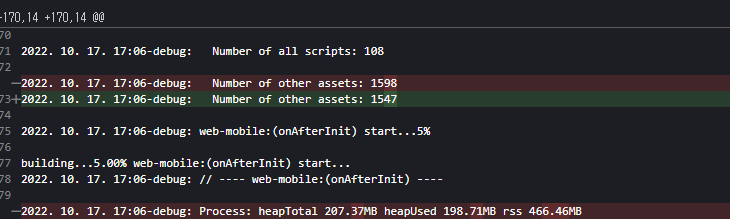
And I found ‘Number of assets’ is diffetent.

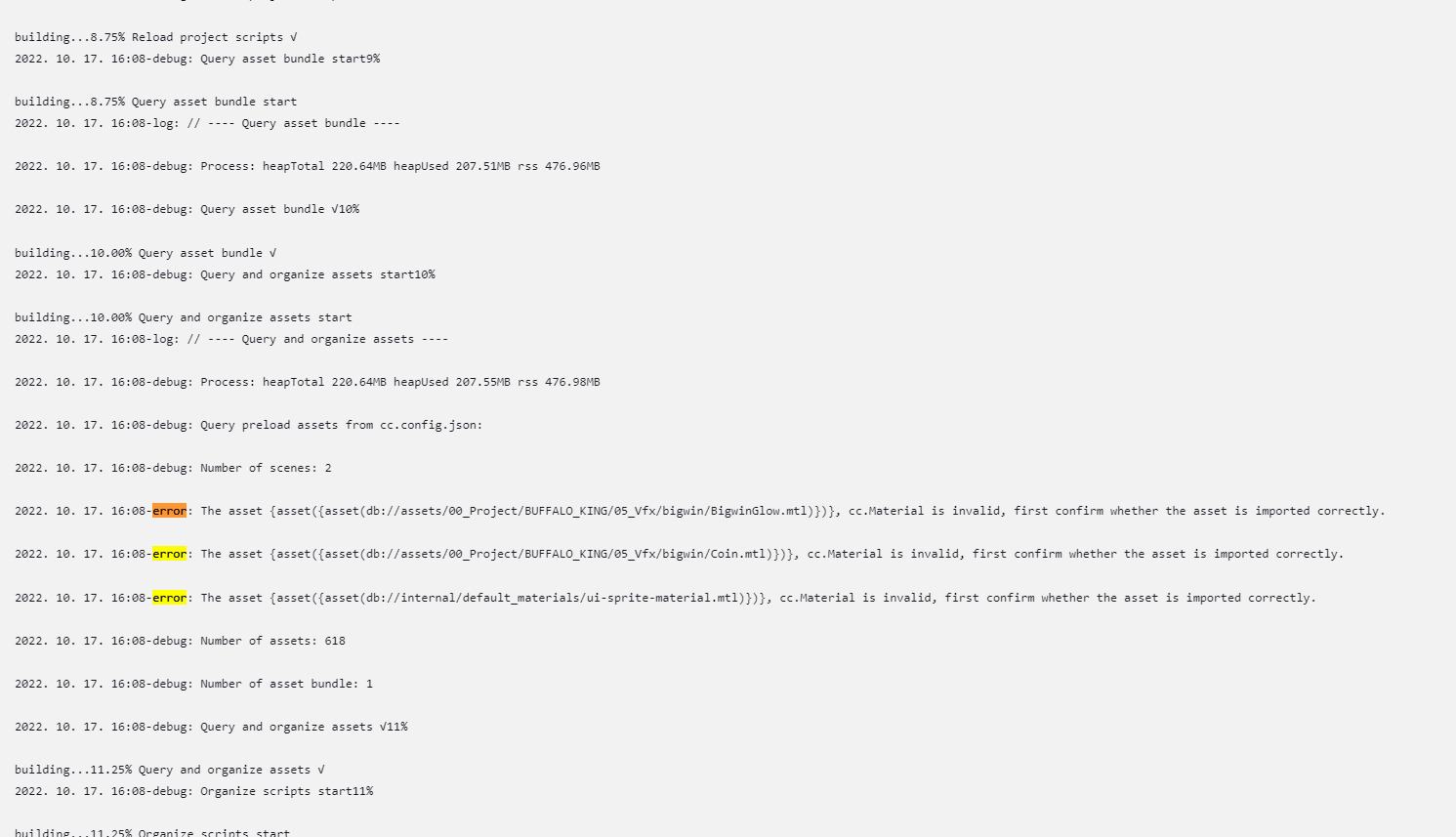
Error Build :
2022. 10. 14. 12:00-debug: // ---- cocos-service:(onBeforeBuild) success ----
2022. 10. 14. 12:00-debug: cocos-service:(onBeforeBuild)3%
2022. 10. 14. 12:00-debug: Query all assets info in project
2022. 10. 14. 12:00-debug: init custom config: keepNodeUuid: false, useCache: true
2022. 10. 14. 12:00-debug: BuildAssetLibrary query-assets with assets 746
2022. 10. 14. 12:00-debug: BuildAssetLibrary initialized with asset 2120!
2022. 10. 14. 12:00-debug: Number of other assets: 3234
2022. 10. 14. 12:00-debug: Number of all scripts: 104

No Error BUID:
2022. 10. 14. 14:46-debug: BuildAssetLibrary query-assets with assets 746
2022. 10. 14. 14:46-debug: Number of all scenes: 3
2022. 10. 14. 14:46-debug: BuildAssetLibrary initialized with asset 2120!
2022. 10. 14. 14:46-debug: web-mobile:(onAfterInit) start…3%
2022. 10. 14. 14:46-debug: Number of all scripts: 104
2022. 10. 14. 14:46-debug: Number of other assets: 3267

LEFT : ERROR BUILD
RIGHT : NO ERROR BUILD

This is a known issue and you can currently delay the task of officially starting a build in the onBeforeBuild function by creating a build plugin. The use of the build plugin can be found in this documentation: Extending Build Process · Cocos Creator

I’ll try thank you

I added a delay to ‘onBeforeBuild’.

but still

‘cc.Material is invalid, first confirm whether the asset is imported correctly.’

An error occurs.

Can you give me a more precise solution to solve the issue?

After running the project as an editor, the error does not occur.


Try waiting longer, like 1 minute or more?

外国开发者呢,不愧是世界级的大引擎 :smile: :+1:

I did a 2 minute delay, but the error is still there.

What is the difference between manually running the editor and auto-build through Jenkins?

If you build manually via CMD, you will not get that error.

The above error only occurs through JENKINS.

  1. Run the editor or
  2. If manually run once via CMD

After going through one of the above two steps, JENKINS builds successfully.

Unfortunately, if the build fails even once in another project path, the build of all projects will also fail.

My guess is that the problem occurs with the first run on the first path from outside, such as Jenkins.

For reference, I am running Jenkins as Administrator.

With this error, I’m not automating the build.

Every time I build, there’s no point in automation if I have to check for errors.

Help me.

maybe same issue.

no jenkins. gitlab has same problem.

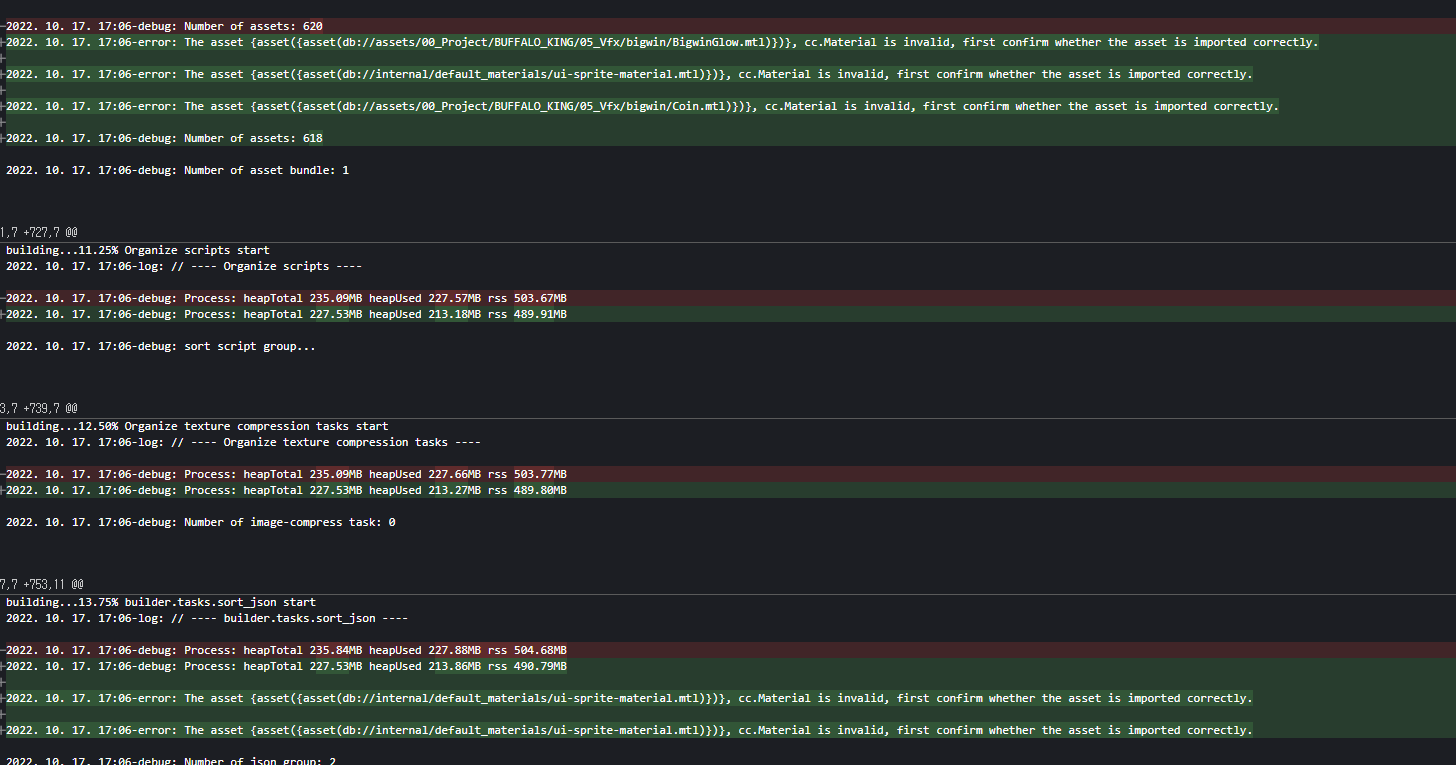
I’ve compared successful and failed builds.

Same Project. Same Build (with jenkins).

  1. Number of other assets

  2. Build Error Log

  3. Asset Bundle(main) handle assets

Can you please provide the project logs? We would like to see if there are any import errors reported.

May I know where to look for the project log?

Build Error Log!

project.zip (7.8 KB)

C:\Users\Administrator\AppData\Local\Jenkins.jenkins\workspace\TEMP\library\1b\1baf0fc9-befa-459c-8bdd-af1a450a0319.json: ENOENT: no such file or directory

The corresponding JSON name was found in a project in a different path.

C:\Users\Administrator\AppData\Local\Jenkins.jenkins\workspace\OTHER_PROJECDT_NAME\library\1b\1baf0fc9-befa-459c-8bdd-af1a450a0319.json

When building, the name of the specific JSON is not updated, but it seems to hold the name of the path of the previously built project.

Isn’t the editor being updated normally only when you actually turn on the editor or build it cmd manually?


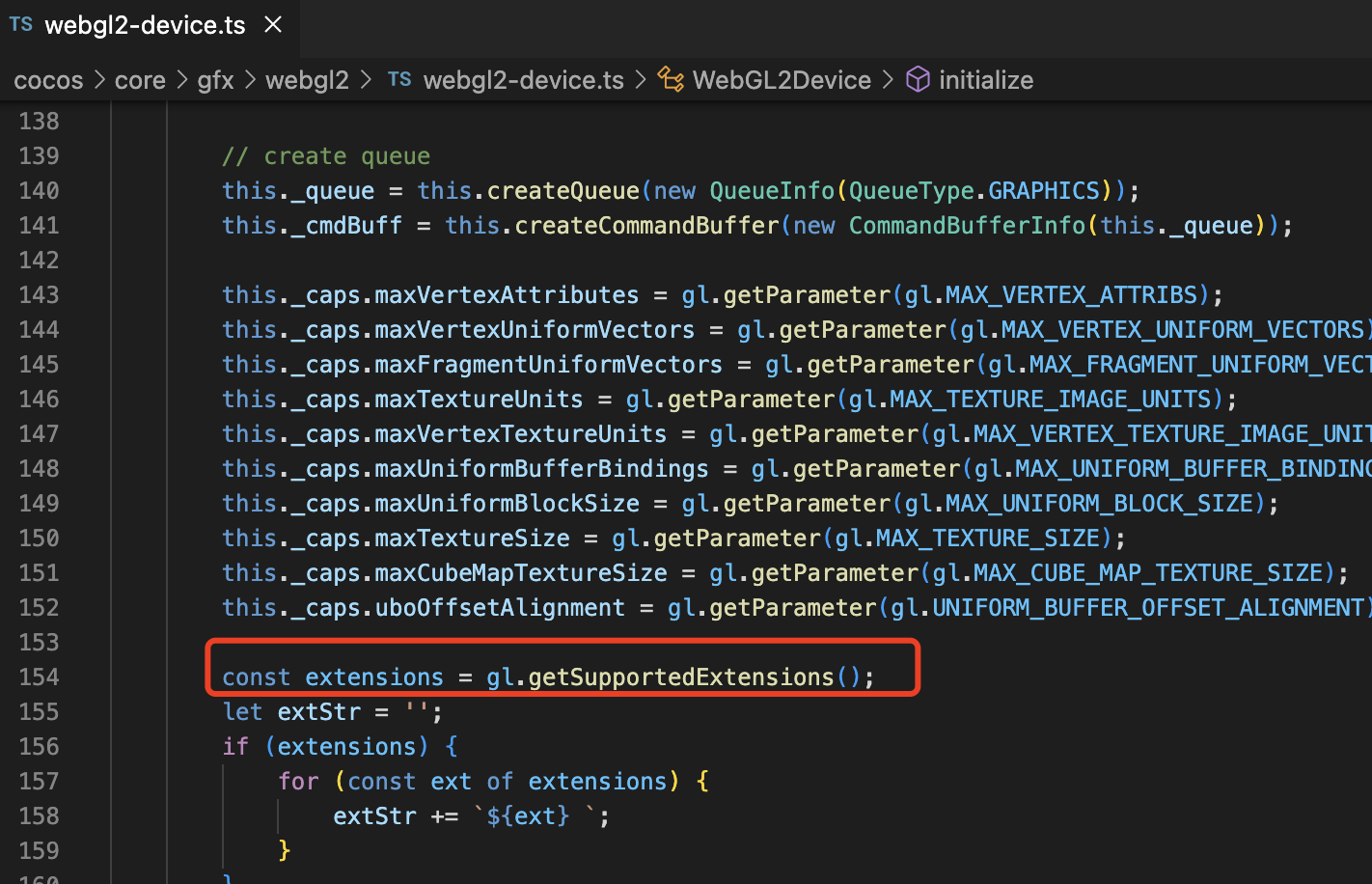
As you can see from the logs, this is caused by the absence of webgl objects in the editor runtime environment. We suggest you upgrade the editor to version 3.6.1 to solve this problem.

Why doesn’t this error appear after successful build?

The project is so massive that it currently requires an investment that is too large to move.

Is there a separate way to fix only that error?

Is the issue editor dependent?

I am using a custom engine, can’t it be solved by modifying the engine?

My god,my english不够用了 :joy:

Does your Jenkins environment support webgl?