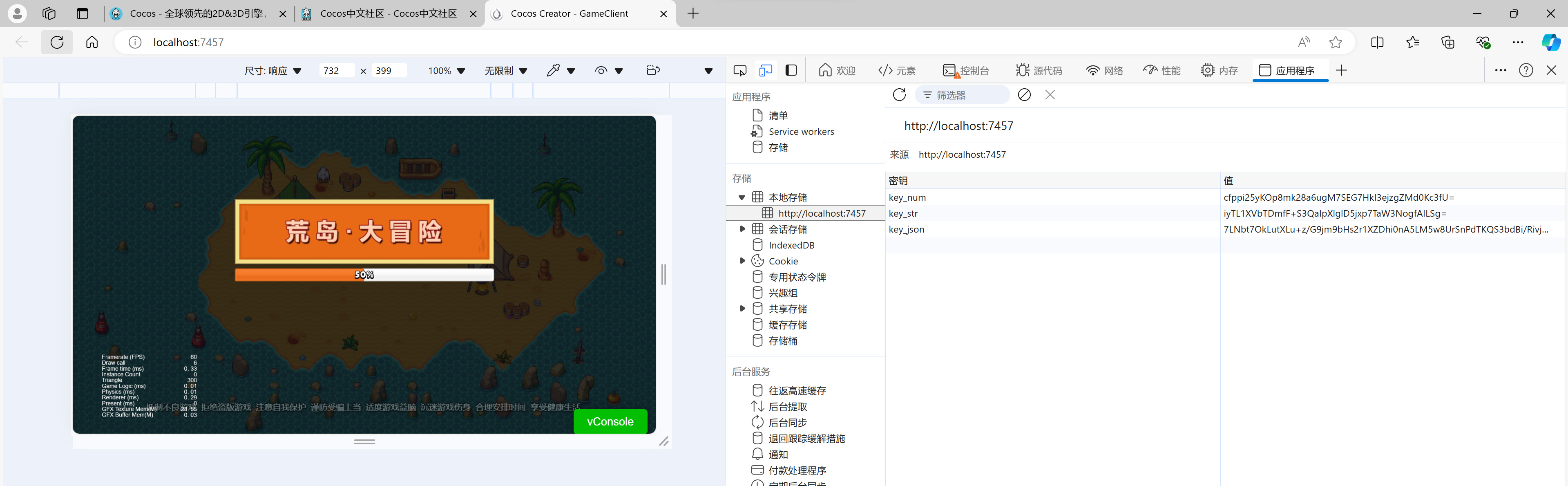
以后尽量只贴代码、图片和用法介绍,方便阅读。
一、我们选择使用crypto-es作为加密库
1、现在vscode打开终端
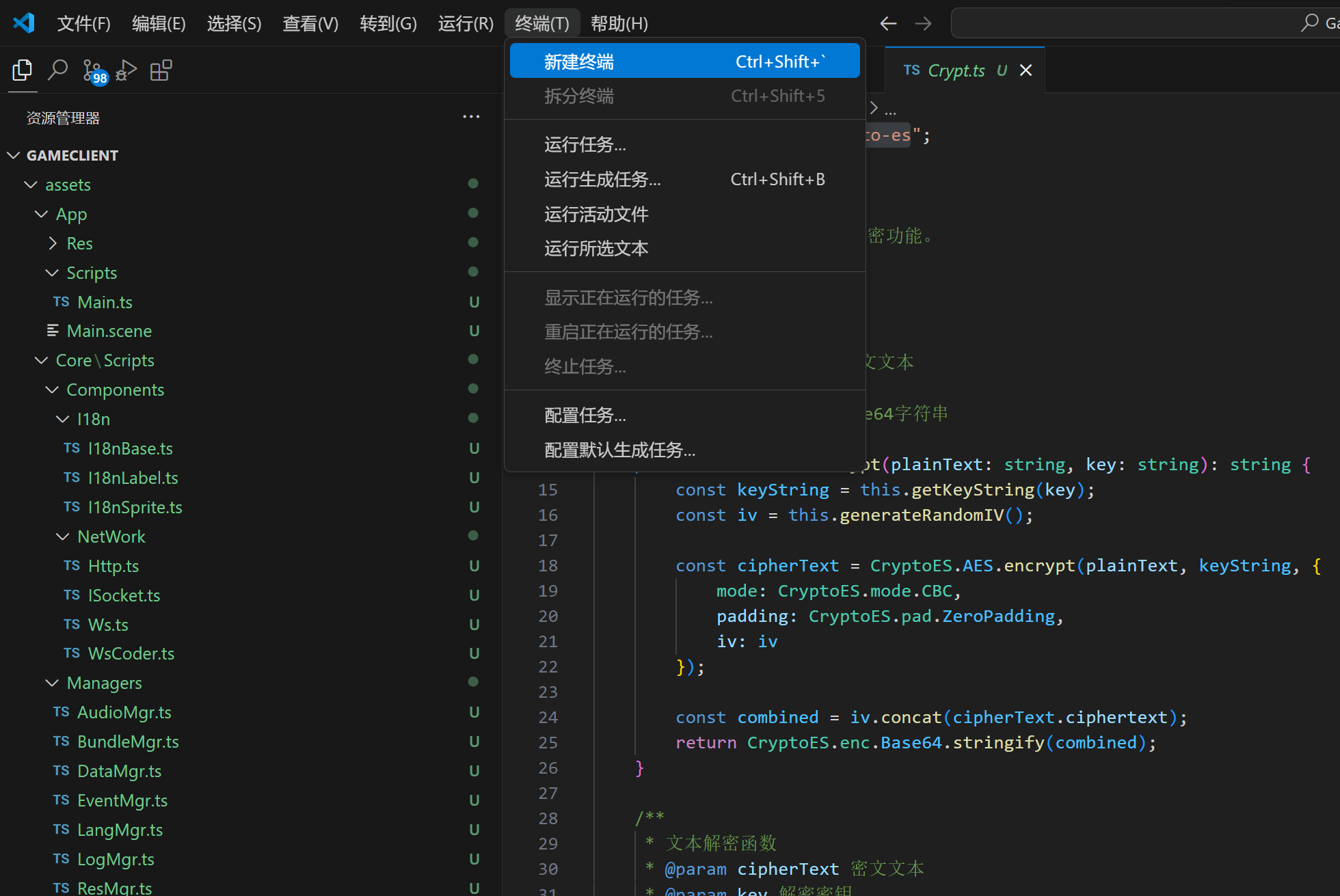
2、执行:
npm install crypto-es
3、代码文件一:
assets\Core\Scripts\Managers\DataMgr.ts
import { sys } from "cc";

import { logMgr } from "./LogMgr";

import { Crypt } from "../Utils/Crypt";

import { Json } from "../Utils/Json";

/**

 * 数据管理器

 * 提供数据的存储、读取(支持文本、数字、JSON)功能。

 */

class DataMgr {

    /** 私有构造函数,确保外部无法直接通过new创建实例 */

    private constructor() {}

    /** 单例实例 */

    public static readonly instance: DataMgr = new DataMgr();

    /**

     * 存储数据

     * @param key 数据键

     * @param value 数据值,可以是文本、数字或对象

     */

    public setData(key: string, value: any): void {

        const stringValue = typeof value === "object" ? Json.stringify(value) : value.toString();

        const encryptedValue = Crypt.strEncrypt(stringValue, 'dataKey');

        try {

            sys.localStorage.setItem(key, encryptedValue);

        } catch (error) {

            logMgr.err(`数据存储失败: ${key}`, error.message);

        }

    }

    /**

     * 读取文本数据

     * @param key 数据键

     * @returns 返回对应键的数据值

     */

    public getText(key: string): string | null {

        try {

            const encryptedValue = sys.localStorage.getItem(key);

            if (encryptedValue) {

                return Crypt.strDecrypt(encryptedValue, 'dataKey');

            }

            return null;

        } catch (error) {

            logMgr.err(`文本数据读取失败: ${key}`, error.message);

            return null;

        }

    }

    /**

     * 读取数字数据

     * @param key 数据键

     * @returns 返回对应键的数字值

     */

    public getNumber(key: string): number | null {

        const textValue = this.getText(key);

        if (textValue) {

            const numberValue = Number(textValue);

            return isNaN(numberValue) ? null : numberValue;

        }

        return null;

    }

    /**

     * 读取JSON数据

     * @param key 数据键

     * @returns 返回对应键的对象

     */

    public getJSON(key: string): any | null {

        const textValue = this.getText(key);

        if (textValue) {

            return Json.parse(textValue);

        }

        return null;

    }

    /**

     * 删除数据

     * @param key 数据键

     */

    public removeData(key: string): void {

        sys.localStorage.removeItem(key);

    }

    /** 清空所有数据 */

    public clearAllData(): void {

        sys.localStorage.clear();

    }

}

/** 数据管理器实例 */

export const dataMgr = DataMgr.instance;
4、代码文件二:
assets\Core\Scripts\Utils\Crypt.ts
import CryptoES from "crypto-es";

/**

 * 加解密工具类

 * 提供文本和二进制数据的加解密功能。

 */

export class Crypt {

    /**

     * 文本加密函数

     * @param plainText 明文文本

     * @param key 加密密钥

     * @returns 加密后的Base64字符串

     */

    public static strEncrypt(plainText: string, key: string): string {

        const keyString = this.getKeyString(key);

        const iv = this.generateRandomIV();

        const cipherText = CryptoES.AES.encrypt(plainText, keyString, {

            mode: CryptoES.mode.CBC,

            padding: CryptoES.pad.ZeroPadding,

            iv: iv

        });

        const combined = iv.concat(cipherText.ciphertext);

        return CryptoES.enc.Base64.stringify(combined);

    }

    /**

     * 文本解密函数

     * @param cipherText 密文文本

     * @param key 解密密钥

     * @returns 解密后的明文

     */

    public static strDecrypt(cipherText: string, key: string): string {

        const keyString = this.getKeyString(key);

        const cipherTextBytes = CryptoES.enc.Base64.parse(cipherText);

        const iv = CryptoES.lib.WordArray.create(cipherTextBytes.words.slice(0, 4), 16);

        const encryptedText = CryptoES.lib.WordArray.create(cipherTextBytes.words.slice(4), cipherTextBytes.sigBytes - 16);

        const decrypted = CryptoES.AES.decrypt({ ciphertext: encryptedText }, keyString, {

            mode: CryptoES.mode.CBC,

            padding: CryptoES.pad.ZeroPadding,

            iv: iv

        });

        return decrypted.toString(CryptoES.enc.Utf8);

    }

    /**

     * 二进制数据加密函数

     * @param data 要加密的二进制数据

     * @param key 加密密钥

     * @returns 加密后的二进制数据

     */

    public static byteEncrypt(data: Uint8Array, key: string): Uint8Array {

        const keyString = this.getKeyString(key);

        const iv = this.generateRandomIV();

        const cipherText = CryptoES.AES.encrypt(CryptoES.lib.WordArray.create(data), keyString, {

            mode: CryptoES.mode.CBC,

            padding: CryptoES.pad.ZeroPadding,

            iv: iv

        });

        const combined = iv.concat(cipherText.ciphertext);

        return this.wordArrayToUint8Array(combined);

    }

    /**

     * 二进制数据解密函数

     * @param data 要解密的二进制数据

     * @param key 解密密钥

     * @returns 解密后的二进制数据

     */

    public static byteDecrypt(data: Uint8Array, key: string): Uint8Array {

        const keyString = this.getKeyString(key);

        const wordArray = this.uint8ArrayToWordArray(data);

        const iv = CryptoES.lib.WordArray.create(wordArray.words.slice(0, 4), 16);

        const encryptedText = CryptoES.lib.WordArray.create(wordArray.words.slice(4), wordArray.sigBytes - 16);

        const decrypted = CryptoES.AES.decrypt({ ciphertext: encryptedText }, keyString, {

            mode: CryptoES.mode.CBC,

            padding: CryptoES.pad.ZeroPadding,

            iv: iv

        });

        return this.wordArrayToUint8Array(decrypted);

    }

    /**

     * 生成随机 IV

     * @returns 随机生成的 IV

     */

    private static generateRandomIV(): CryptoES.lib.WordArray {

        const iv = new Uint8Array(16);

        crypto.getRandomValues(iv);

        return CryptoES.lib.WordArray.create(iv);

    }

    /**

     * 获取加密密钥的WordArray格式

     * @param key 密钥字符串

     * @returns WordArray格式的密钥

     */

    private static getKeyString(key: string): CryptoES.lib.WordArray {

        return CryptoES.enc.Utf8.parse(this.md5(key));

    }

    /**

     * 将WordArray转换为Uint8Array

     * @param wordArray 要转换的WordArray

     * @returns 转换后的Uint8Array

     */

    private static wordArrayToUint8Array(wordArray: CryptoES.lib.WordArray): Uint8Array {

        const base64String = CryptoES.enc.Base64.stringify(wordArray);

        return Uint8Array.from(atob(base64String), c => c.charCodeAt(0));

    }

    /**

     * 将Uint8Array转换为WordArray

     * @param byteArray 要转换的Uint8Array

     * @returns 转换后的WordArray

     */

    private static uint8ArrayToWordArray(byteArray: Uint8Array): CryptoES.lib.WordArray {

        const base64String = btoa(String.fromCharCode.apply(null, byteArray as any));

        return CryptoES.enc.Base64.parse(base64String);

    }

    /**

     * md5加密方法

     * @param data 需要加密的数据

     * @returns 加密后的字符串

     */

    public static md5(data: string): string {

        try {

            return CryptoES.MD5(data).toString();

        } catch (error) {

            return '';

        }

    }

    /**

     * md5签名方法

     * @param data 需要加密的数据

     * @param key 可选密钥

     * @returns 加密后的字符串

     */

    public static md5Sign(data: string, key: string): string {

        try {

            return CryptoES.MD5(data + key).toString();

        } catch (error) {

            return '';

        }

    }

}
5、代码文件三:
assets\Core\Scripts\Utils\Json.ts
/**

 * Json工具类

 * 提供JSON字符串与对象之间的转换功能。

 */

export class Json {

    /**

     * 将JSON字符串解析为对象。

     * @param text 要解析的JSON字符串。

     * @returns 解析后的对象或null(如果解析失败)。

     */

    public static parse(text: string): any {

        try {

            return JSON.parse(text);

        } catch (error) {

            return null;

        }

    }

    /**

     * 将对象序列化为JSON字符串。

     * @param value 要序列化的对象。

     * @returns 序列化后的JSON字符串或空字符串(如果序列化失败)。

     */

    public static stringify(value: any): string {

        try {

            return JSON.stringify(value);

        } catch (error) {

            return '';

        }

    }

}
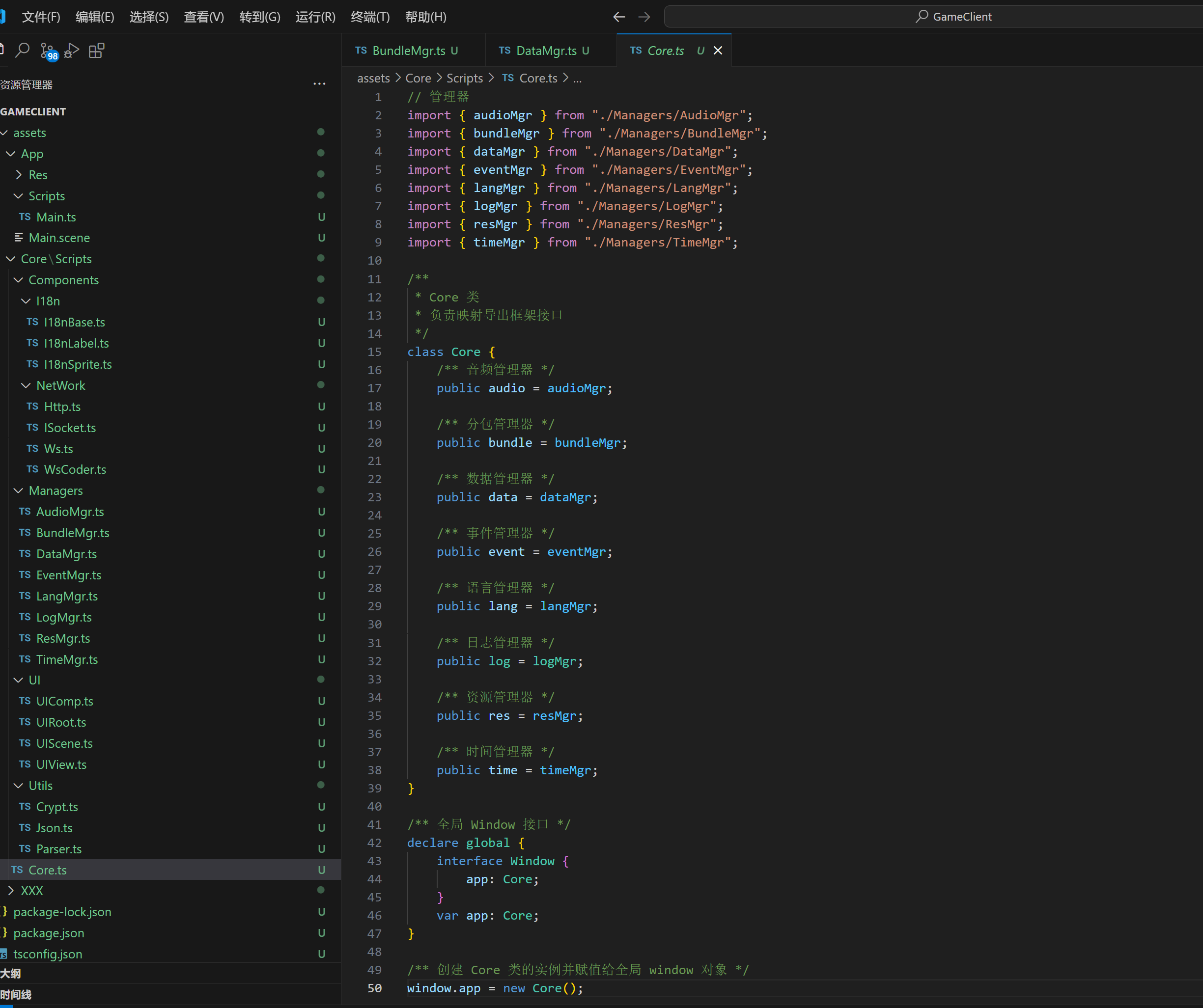
二、记得映射到:assets\Core\Scripts\Core.ts
不知道怎么弄的看前面教程有讲到
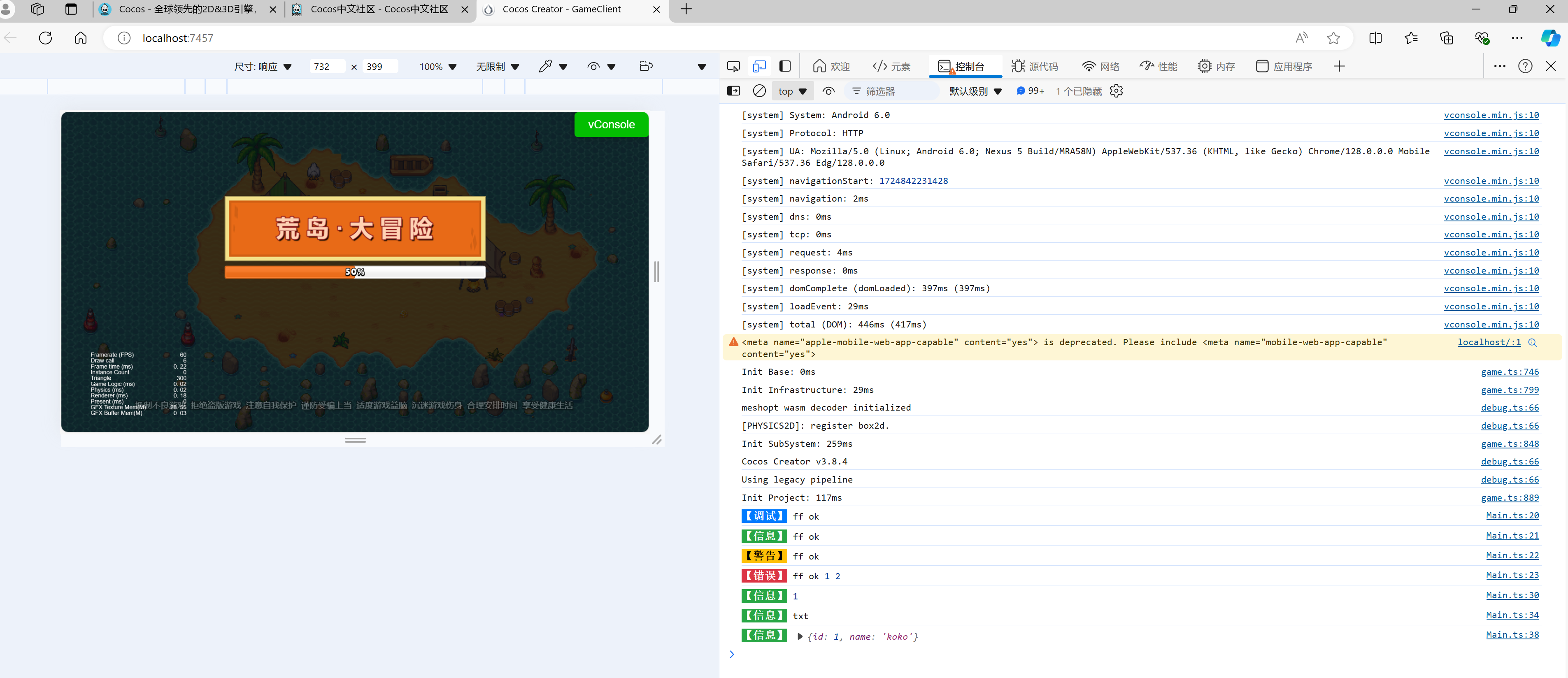
三、用法示例:

四、测试效果
五、看看加密效果