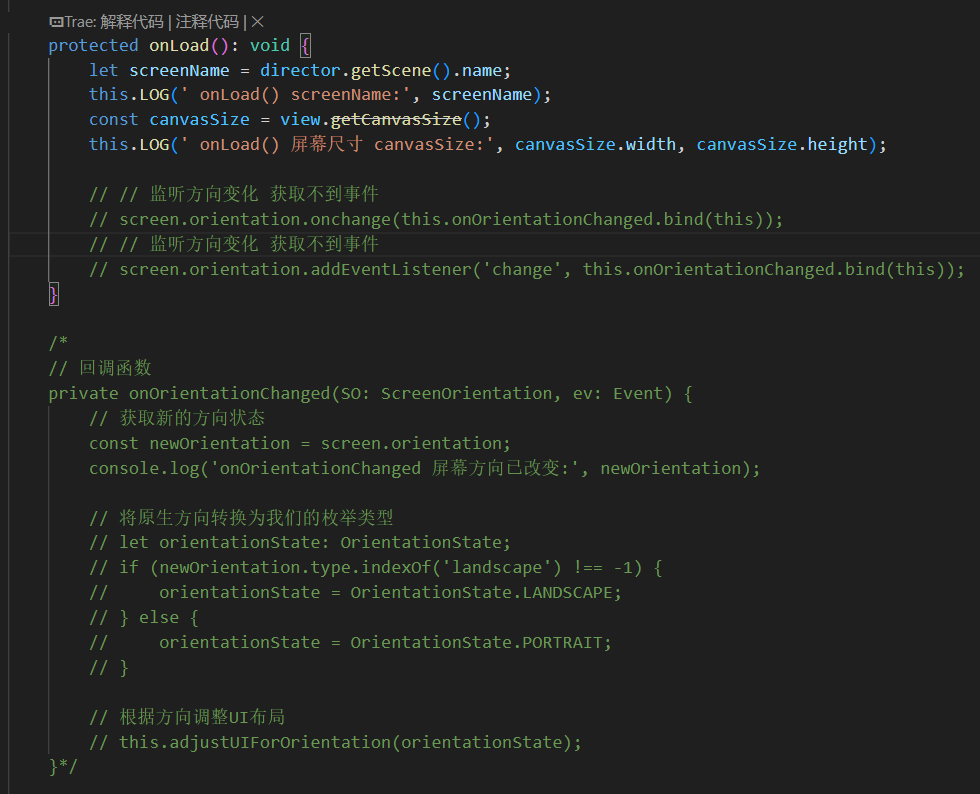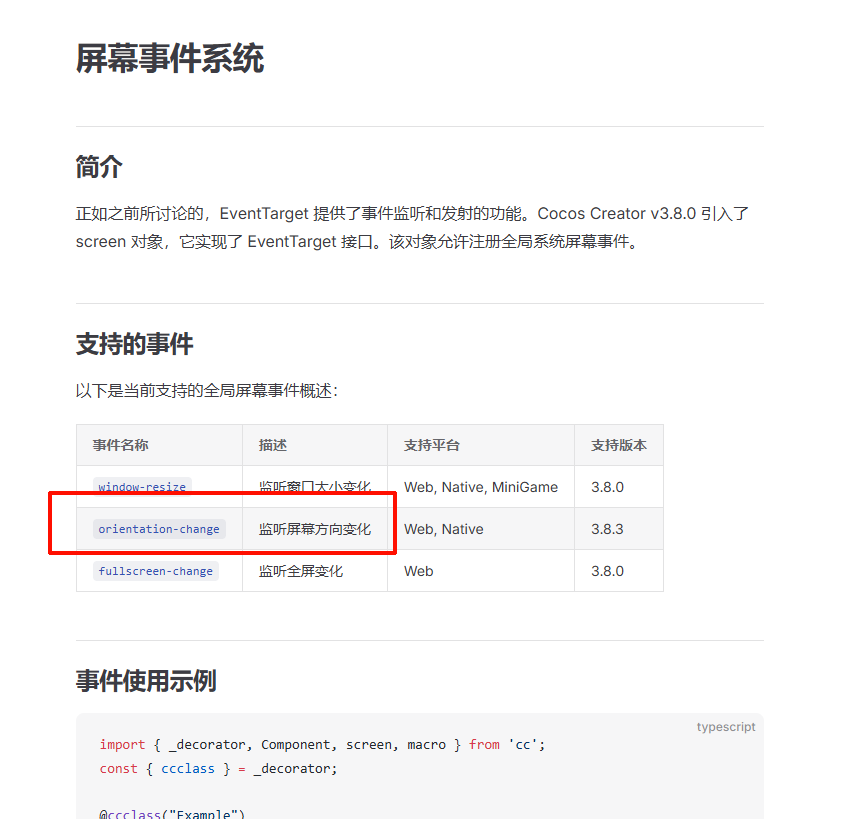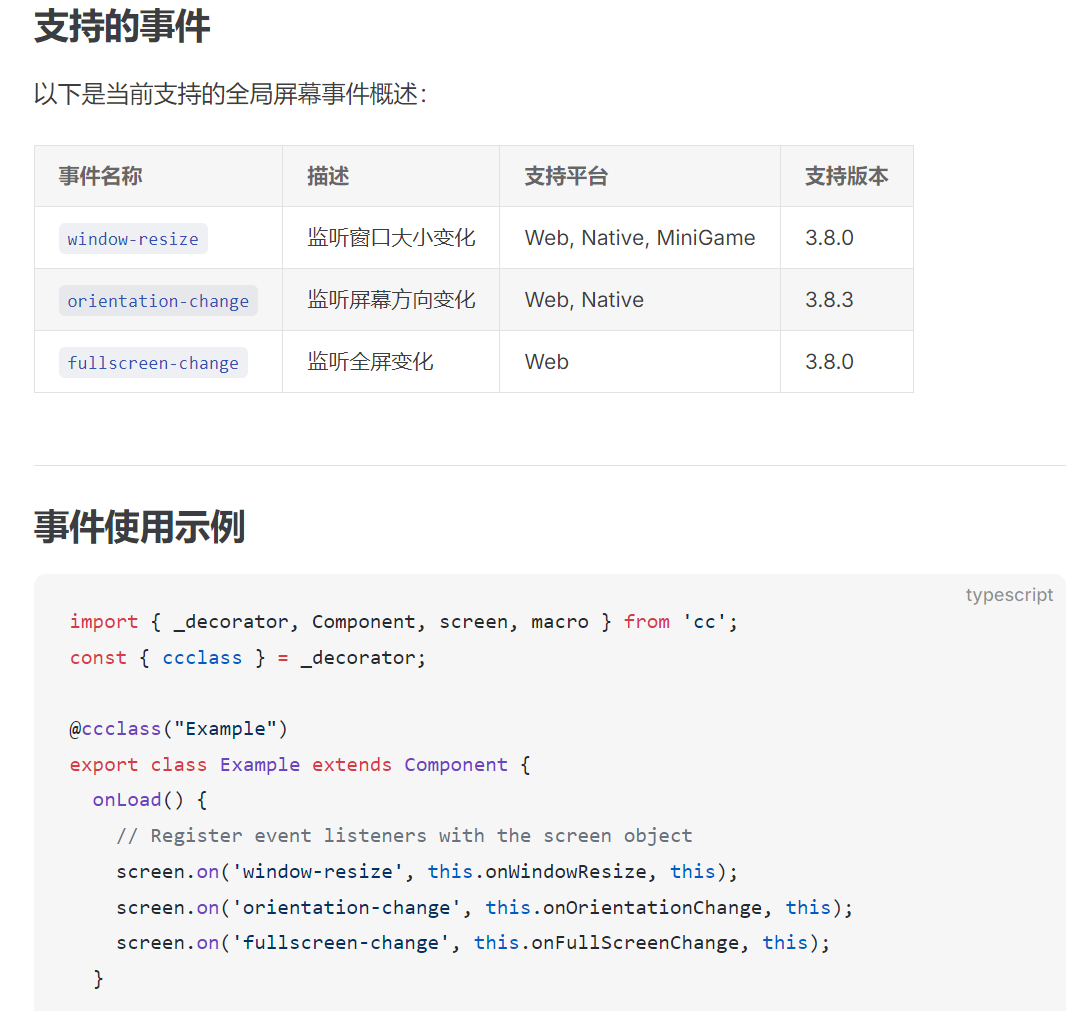
https://docs.cocos.com/creator/3.8/manual/zh/engine/event/event-screen.html#事件使用示例
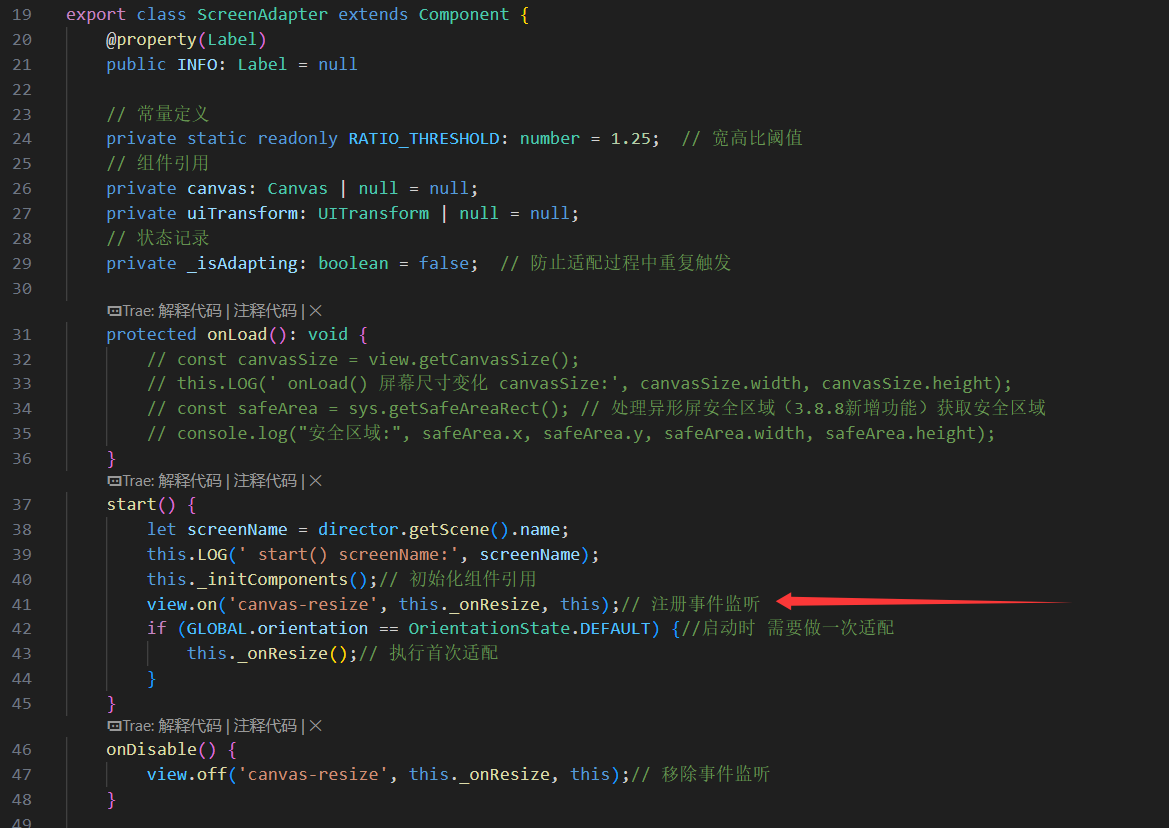
我使用时一个都没响应呀?

为啥是监听“change”
你这代码也不对呀,根本没按照文档来
https://docs.cocos.com/creator/3.8/manual/zh/engine/event/event-screen.html#事件使用示例
import { _decorator, Component, screen, macro } from 'cc';
const { ccclass } = _decorator;

@ccclass("Example")
export class Example extends Component {
  onLoad() {
    // Register event listeners with the screen object
    screen.on('window-resize', this.onWindowResize, this);
    screen.on('orientation-change', this.onOrientationChange, this);
    screen.on('fullscreen-change', this.onFullScreenChange, this);
  }

  onDestroy() {
    // Unregister event listeners when the component is destroyed
    screen.off('window-resize', this.onWindowResize, this);
    screen.off('orientation-change', this.onOrientationChange, this);
    screen.off('fullscreen-change', this.onFullScreenChange, this);
  }

  onWindowResize(width: number, height: number) {
    console.log("Window resized:", width, height);
  }

  onOrientationChange(orientation: number) {
    if (orientation === macro.ORIENTATION_LANDSCAPE_LEFT || orientation === macro.ORIENTATION_LANDSCAPE_RIGHT) {
      console.log("Orientation changed to landscape:", orientation);
    } else {
      console.log("Orientation changed to portrait:", orientation);
    }
  }

  onFullScreenChange(width: number, height: number) {
    console.log("Fullscreen change:", width, height);
  }
}
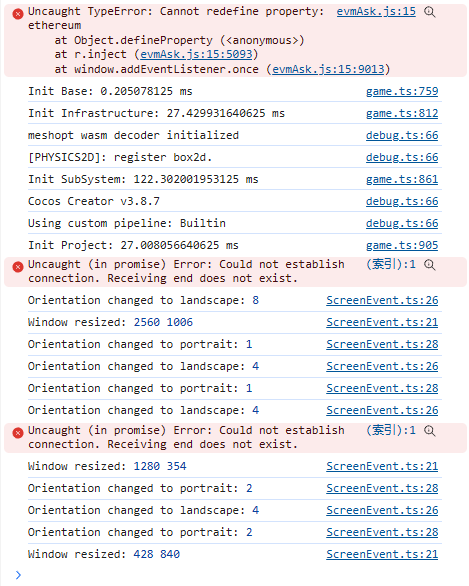
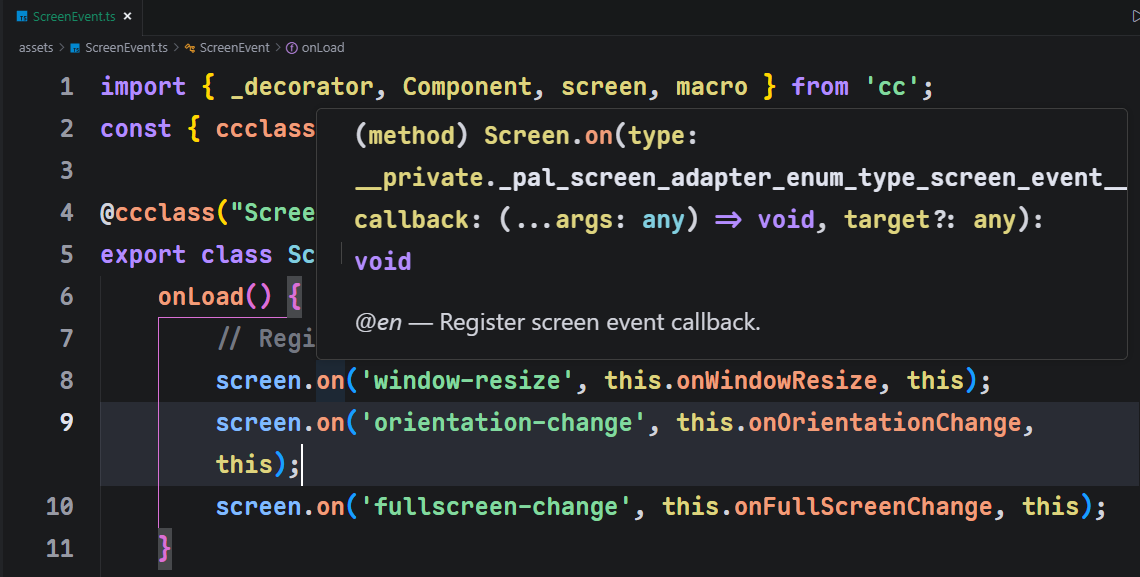
效果如下,能正常监听:
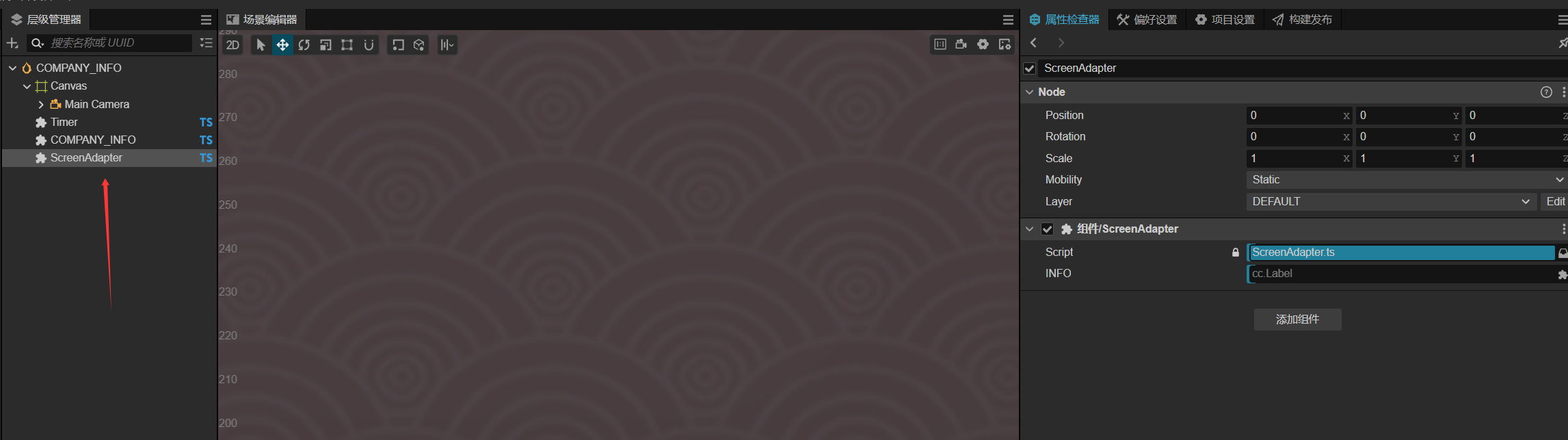
另外,需要注意的是,在编写完组件脚本后,需要把脚本挂载到场景中已激活的节点上
参考文档:创建脚本 | Cocos Creator
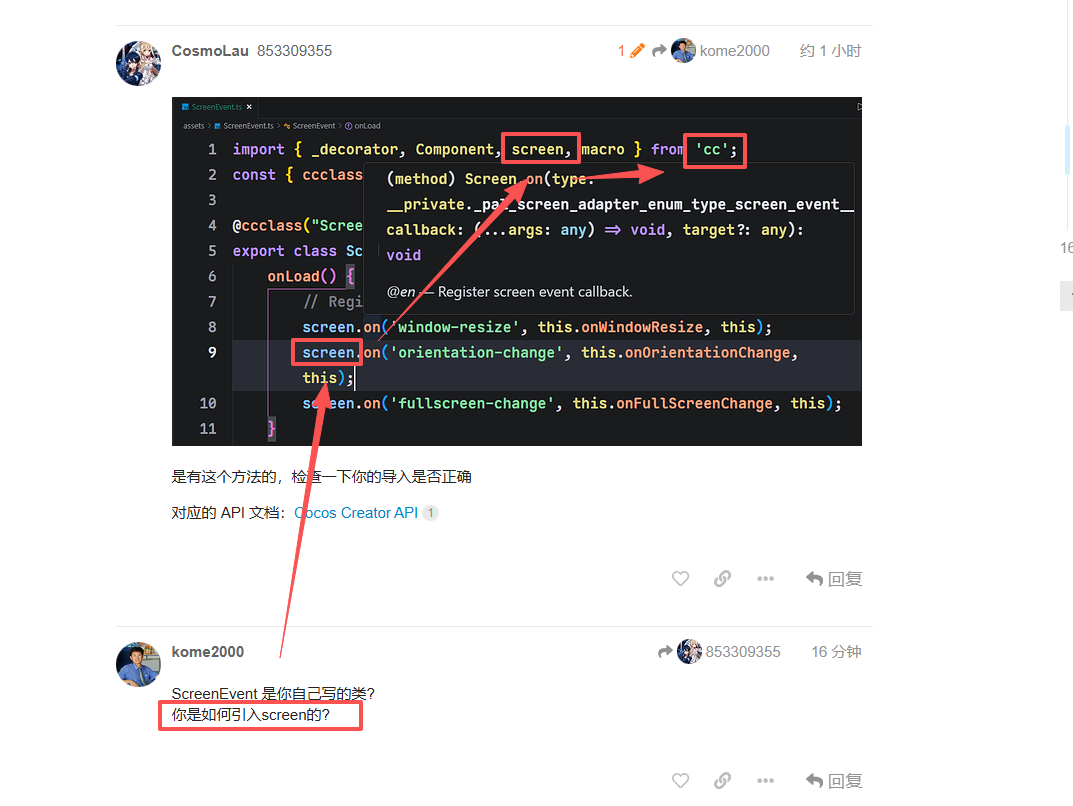
你不会是没引入screen吧
ScreenEvent 是你自己写的类?
你是如何引入screen的?
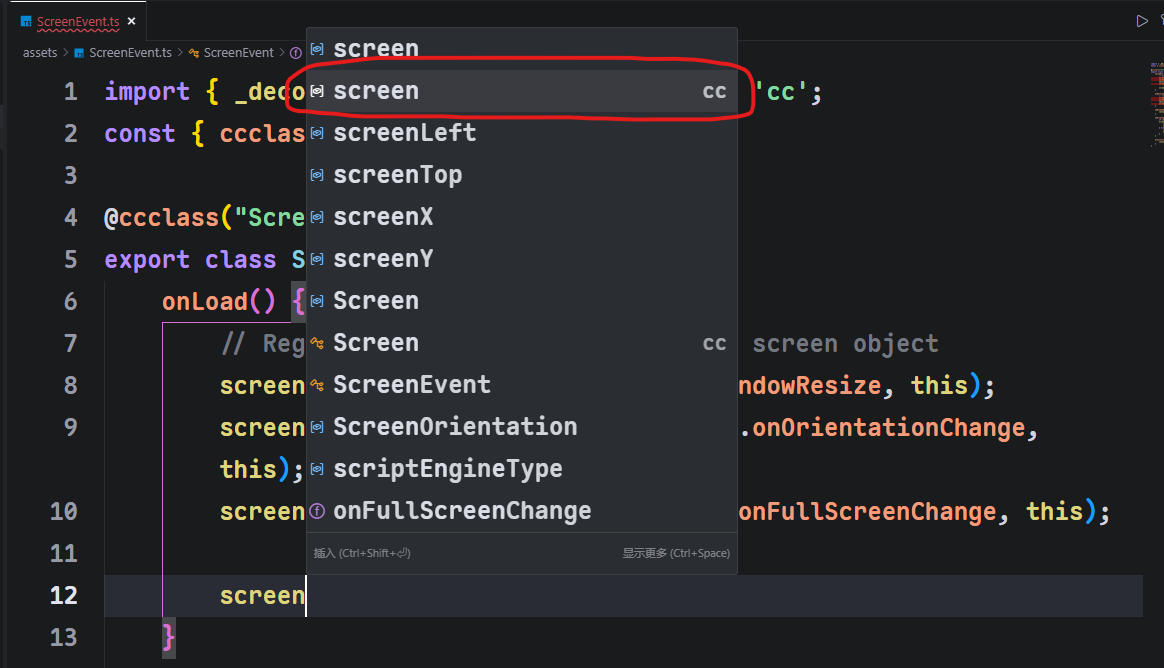
从 cc 引入,使用 Trae 的自动生成代码,可能无法自动导入模块,你在 Trae 中手动键入 screen,使用编辑器的补全,才能自动导入,如下:
否则你需要手动导入模块:
参考文档:引擎模块 | Cocos Creator
还真是, 手动写上screen的引入 就正确了
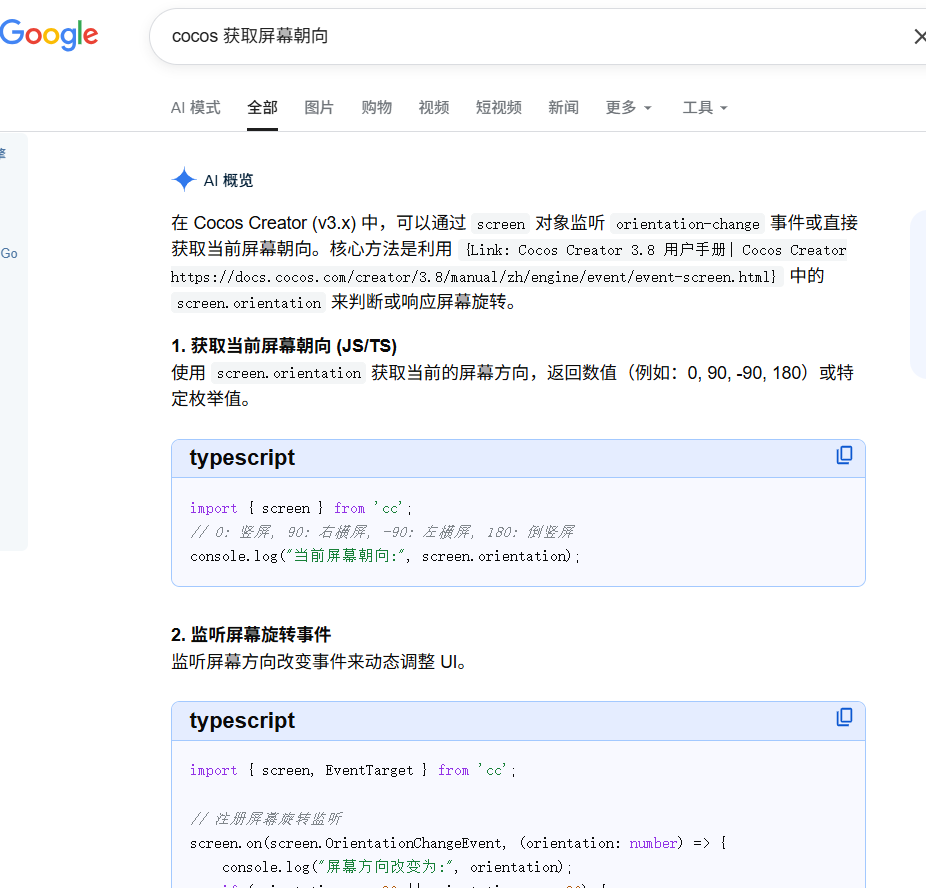
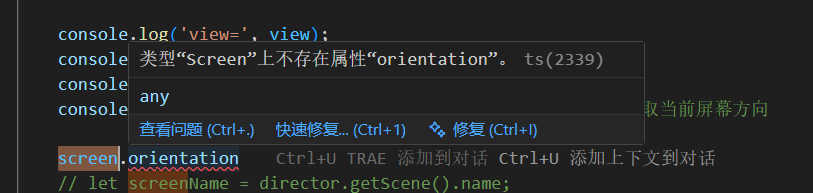
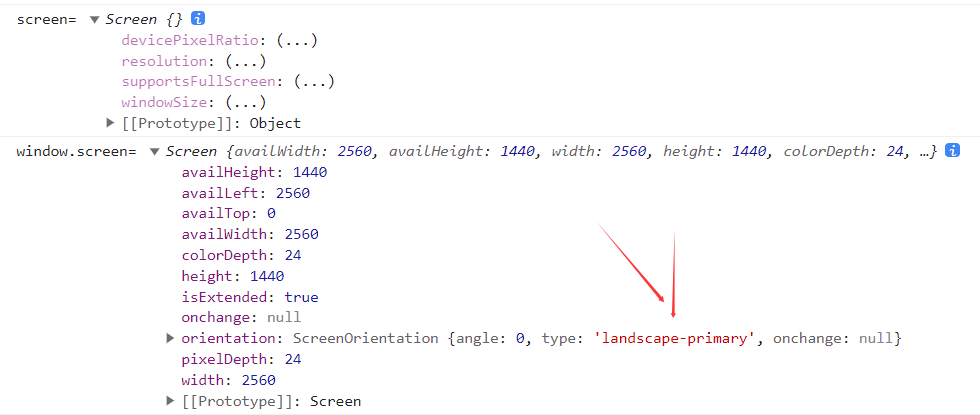
那么如何获取当前屏幕朝向呢?
这个文档里面应该没有,实际值要看
screen.on("orientation-change",(orientation:number)=>{

                console.log(orientation);

            }, this);
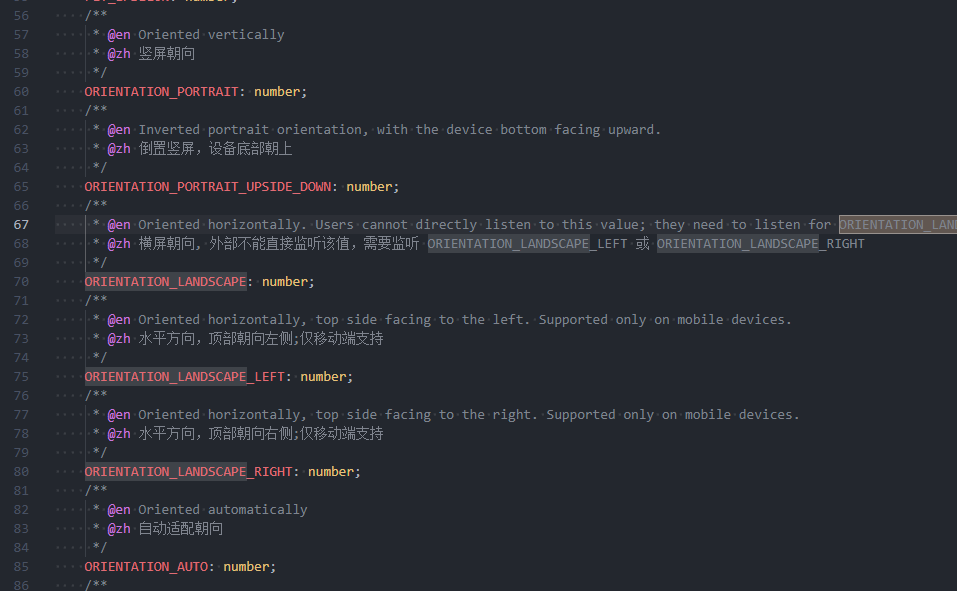
去推断,下图是值对应的接口
export class View extends __private._cocos_ui_view__View_base {
/**

         * @en

         * Sets the orientation of the game, it can be landscape, portrait or auto.

         * When set it to landscape or portrait, and screen w/h ratio doesn't fit,

         * `view` will automatically rotate the game canvas using CSS.

         * Note that this function doesn't have any effect in native,

         * in native, you need to set the application orientation in native project settings

         * @zh 设置游戏屏幕朝向,它能够是横版,竖版或自动。

         * 当设置为横版或竖版,并且屏幕的宽高比例不匹配时,

         * `view` 会自动用 CSS 旋转游戏场景的 canvas,

         * 这个方法不会对 native 部分产生任何影响,对于 native 而言,你需要在应用设置中的设置排版。

         * @param orientation - Possible values: macro.ORIENTATION_LANDSCAPE | macro.ORIENTATION_PORTRAIT | macro.ORIENTATION_AUTO

         */

        setOrientation(orientation: number): void;
}是的,似乎不能主动获取到当前手机屏幕状态, 只能通过 screen.windowSize 的宽高比来自行计算
可以啊,我的回复可能不够明确;
HiStory1wlh991007
这个文档里面应该没有,实际值要看
screen.on("orientation-change",(orientation:number)=>{
               /// orientation这个值就是屏幕方向,需要用cc.macro去推断当前是否是横屏或竖屏
               // 我测试是符合的 横屏是4,竖屏是1,
               // 匹配cc.macro.ORIENTATION_LANDSCAPE_LEFT(左横屏,测试值=4)
               // cc.macro.ORIENTATION_PORTRAIT(竖屏,测试值=1)
                console.log(orientation);

            }, this);
orientation这个值就是屏幕方向,需要用cc.macro去推断当前是否是横屏或竖屏
我测试是符合的 横屏是4,竖屏是1,
匹配cc.macro.ORIENTATION_LANDSCAPE_LEFT(左横屏,测试值=4)
cc.macro.ORIENTATION_PORTRAIT(竖屏,测试值=1)
这个是在屏幕变化时才回调, 如果是app启动时 是没有回调的, 比如手机横屏时启动app, 此时程序如何得知屏幕情况?