
请大佬帮忙指点一下以下问题:
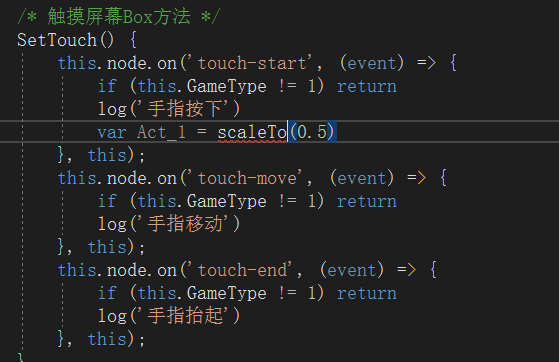
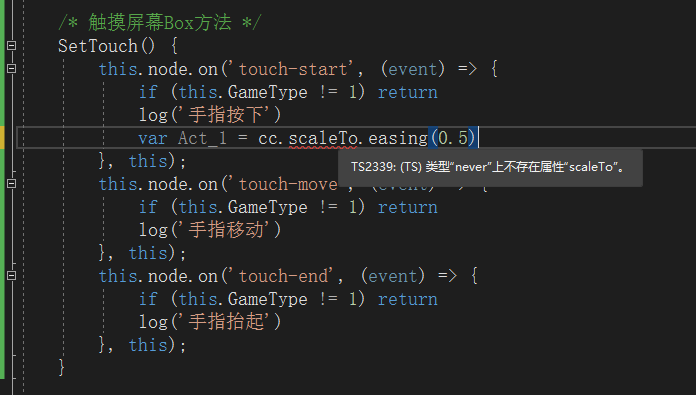
tween(node).to(dur,{scale:v3}).start()
1赞
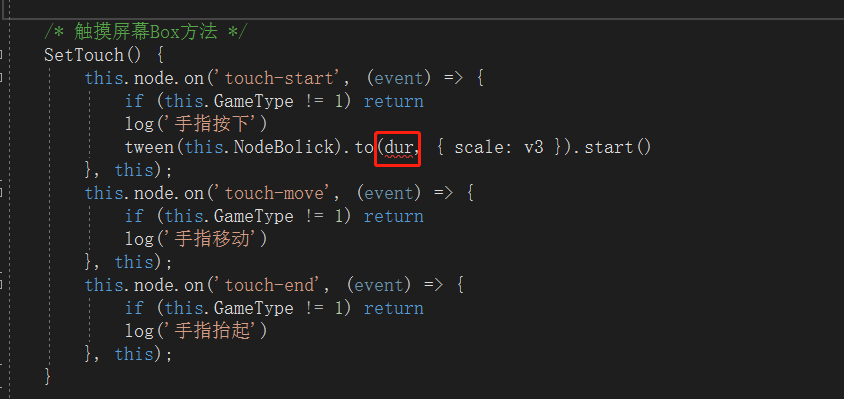
这个是持续时间啊你看代码提示
v3那里也不能传v3, 你要穿一个Vec3类型的变量
1赞
手指按下持续~
我用的VS2022有时候它没提示~
还是用vs code吧
大佬我实现了,但是有一个问题就是我按下鼠标它就缩小到没有了松开鼠标也不执行放大给你看看代码:
    SetTouch() {
        this.node.on('touch-start', (event) => {
            if (this.GameType != 1) return
            log('手指按下')
            tween(this.NodeBolick).to(2, { scale: v3(0.8) }).start()
        }, this);
        this.node.on('touch-move', (event) => {
            if (this.GameType != 1) return
            log('手指移动')
            tween(this.NodeBolick).to(2, { scale: v3(1) }).start()
        }, this);
        this.node.on('touch-end', (event) => {
            if (this.GameType != 1) return
            log('手指抬起')
        }, this);
    }
缩小放大的问题解决了
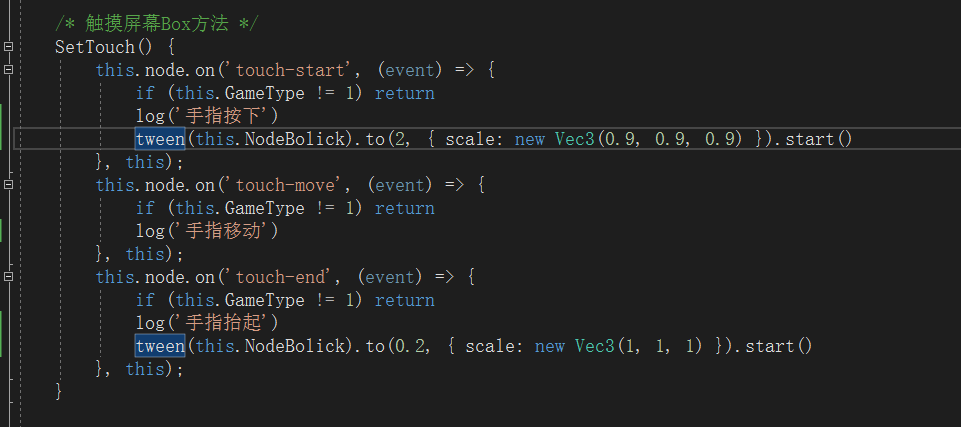
但是出现了另一个问题:
点击后缩小到指定的大小,放开会回到默认大小,但是它在无点击情况下会自动缩小到点击时大小。
这时进行点击会放大(本来是缩小)放开点击后再次缩小(应该是放大)
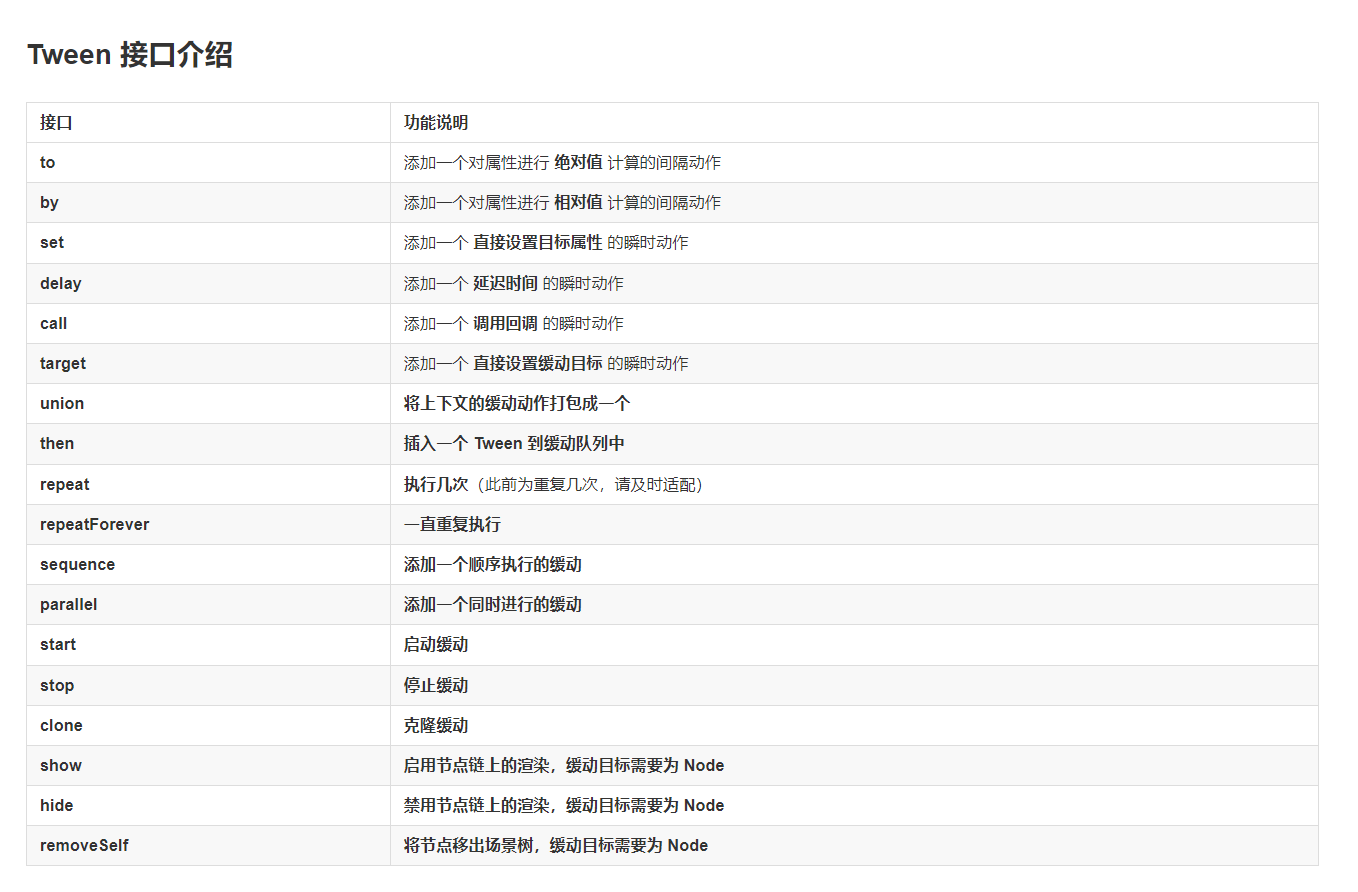
因为缩小动作时间长,你要想抬起后把按钮放大,应该在end函数里面停止缩小动画再播放放大动画,2.x的api是node.stopAllactions,你要去查查3.0的api,感觉你对tween的使用不是很清楚,应该去看看官网的tween文档,了解一下官方给的例子或者项目中的官方案例
1赞
我添加了但貌似没有解决代码是:
    SetTouch() {
        this.node.on('touch-start', (event) => {
            if (this.GameType != 1) return
            log('手指按下')
            tween(this.NodeBolick).stop()   // 放下下面也试了但是还是一样的
            tween(this.NodeBolick).to(2, { scale: new Vec3(0.9, 0.9, 0.9) }).start()
        }, this);
        this.node.on('touch-move', (event) => {
            if (this.GameType != 1) return
            log('手指移动')
        }, this);
        this.node.on('touch-end', (event) => {
            if (this.GameType != 1) return
            log('手指抬起')
            tween(this.NodeBolick).stop()
            tween(this.NodeBolick).to(0.2, { scale: new Vec3(1, 1, 1) }).start()
        }, this);
    }
let act = tween(this.NodeBolick).to(0.2, { scale: new Vec3(1, 1, 1) }).start()
act.stop();
1赞
    SetTouch() {
        this.node.on('touch-start', (event) => {
            if (this.GameType != 1) return
            log('手指按下')
            let BoxShrink = tween(this.NodeBolick).to(2, { scale: new Vec3(0.9, 0.9, 0.9) }).start()
            BoxShrink.stop()
            log("缩放")
        }, this);
        this.node.on('touch-move', (event) => {
            if (this.GameType != 1) return
            log('手指移动')
        }, this);
        this.node.on('touch-end', (event) => {
            if (this.GameType != 1) return
            log('手指抬起')
            let BoxAmplification = tween(this.NodeBolick).to(0.2, { scale: new Vec3(1, 1, 1) }).start()
            BoxAmplification.stop()
            log("放大")
        }, this);
    }
这样写就一动不动了,它直接停止了缓动
Tween.stopAllByTarget(BoxShrink) 你改成这样
1赞
我找到问题的地方了,我长按直到动画完成再松开它就是正常的,但是我如果点击,它就出现问题了
需要停止动画 你这个点击会造成多个动画同时执行
1赞
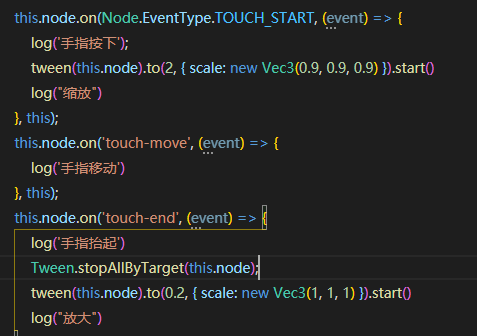 这个效果你试试
1赞
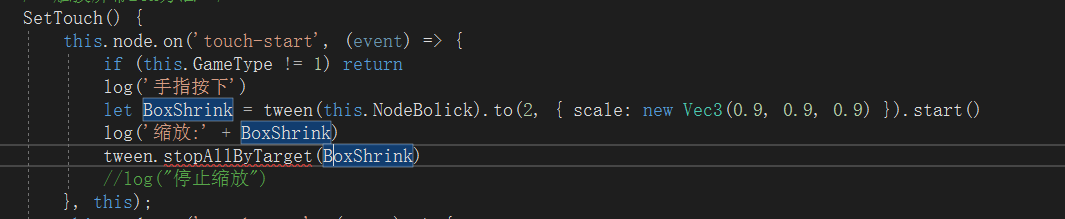
大写 Tween
