
提个小问题
动画组件的 _nameToState 好像只有在组件被激活后才会存入数据
我在代码中自己手动添加clips后,这个值是空的
可以看w3c的dom的事件机制文档,官方文档里input部分也更新成了3.4的事件机制。
node级别的事件派发和dom的一样:
-> a
----> b
--------> c
点击时,先a往b再往c捕获,然后c往b再往a冒泡
任意在a b c上监听事件(两个阶段都能监听),并在回调里调event.stop后,就能阻止。 scene是最顶部。
捕获阶段阻止后,不会往下传递,冒泡阶段阻止后,不会往上冒泡。
最新发现一个bug,复制一个节点A的组件到节点B下时候,此时在节点B下粘贴为新组件按钮为灰色,望及时修复
还未修复,在win10上面如此模糊,只要是字号小于20都如此的模糊,根本达不到生产要求。,就好像一下子20岁的年轻人带了个老花镜
bug:修改canvas下的scale x,y,z为0.5,然后将项目的w,h都变大一倍,此时canvas下的widge会出现各种动态鬼畜,自己尝试,描述已经足够清晰
在 A 节点上挂载一个 Sprite 组件,然后点击组件右上角的齿轮 - 复制组件,在 B 节点上点击节点或者任意组件右上角的齿轮,最下面一个粘贴为新组建显示灰色么?
我这里试了下,是正常的哎,是不是什么特殊的组件?
我这边是灰色的,我晚点新建项目试下
spine的skeletonData也是
以上问题在 011319 已修复
2赞
011319:版本看着好像2D性能提升了。。
等后面的大佬验证一波
这个问题确实存在,由于我们的 widget 组件考虑了 scale 计算导致的,关于这点我们还在讨论设计,在之后的版本中会尽快解决,感谢您的反馈
是我搞错了哈,没看到改版了
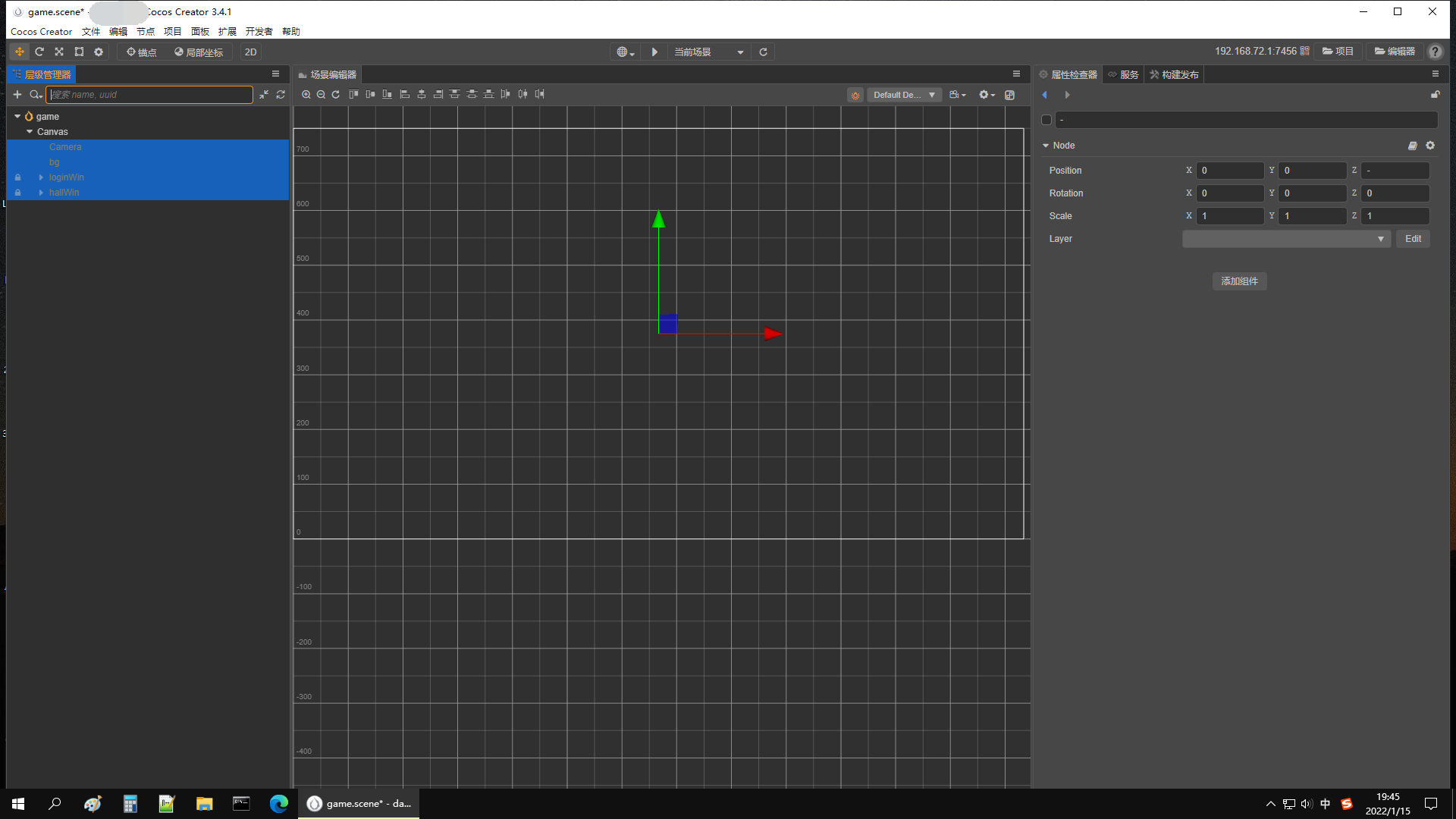
3.4.0+版本编辑器在切换最大化与窗口化之间会出现各种bug,例如项目会显示未保存,以及如下面图片那样不见了资源管理器窗口和console窗口(窗口化时候才会显示,最大化时候不显示),同时场景编辑器无限长度:
大大看下这个,我应该怎么获取meshrender上材质的名字?
bug1:
tween(a节点)时候没办法改变a节点的位置,需要将position赋值给一个新的Vec3()才可以进行更新。这是有意为之吗?
像这样是可以更新的:
@property(Node)
    moveTextNode: Node = null;

    private moveTextNodeSrcPos: Vec3 = null;
    start() {
        this.moveTextNodeSrcPos = this.moveTextNode.position;
        log("this.moveTextNodeSrcPos:",this.moveTextNodeSrcPos);
        this.move();
    }

    move() {
        console.log("move");
        let textWidth = this.moveTextNode.getComponent(UITransform).width;
        let textMaskWidth = this.moveTextNode.parent.getComponent(UITransform).width;
        let moveWidth = textWidth + textMaskWidth + 50;
        console.log("moveWidth:", moveWidth);
        tween(this.moveTextNode)
            .by(10, { position: new Vec3(-moveWidth, 0, 0) })
            .call(()=>{
                 //恢复他的位置
                 this.moveTextNode.setPosition(new Vec3(-50, 0, 0));
                 log("onComplete:",this.moveTextNode.position);
            })
            .start();
    }
但是如果改为如下是不可以更新正在移动的tween的a节点的Position:
   start() {
        this.moveTextNodeSrcPos = new Vec3(this.moveTextNode.position.x,this.moveTextNode.position.y,this.moveTextNode.position.z);
        log("this.moveTextNodeSrcPos:",this.moveTextNodeSrcPos);
        this.move();
    }

    move() {
        console.log("move");
        let textWidth = this.moveTextNode.getComponent(UITransform).width;
        let textMaskWidth = this.moveTextNode.parent.getComponent(UITransform).width;
        let moveWidth = textWidth + textMaskWidth + 50;
        console.log("moveWidth:", moveWidth);
        tween(this.moveTextNode)
            .by(10, { position: new Vec3(-moveWidth, 0, 0) })
            .call(()=>{
                 //恢复他的位置
                 this.moveTextNodeSrcPos
                 this.moveTextNode.setPosition(this.moveTextNodeSrcPos);//前后2段代码仅仅这里不一样
                 log("onComplete:",this.moveTextNode.position);
            })
            .start();
    }
bug2:
以下代码出现unknown id
start() {
        this.moveTextNodeSrcPos = new Vec3(this.moveTextNode.position.x, this.moveTextNode.position.y, this.moveTextNode.position.z);
        log("this.moveTextNodeSrcPos:", this.moveTextNodeSrcPos);
        this.move();
    }

    move() {
        console.log("move");
        let textWidth = this.moveTextNode.getComponent(UITransform).width;
        let textMaskWidth = this.moveTextNode.parent.getComponent(UITransform).width;
        let moveWidth = textWidth + textMaskWidth + 150;
        console.log("moveWidth:", moveWidth);
        tween(this.moveTextNode)
            .by(12, { position: new Vec3(-moveWidth, 0, 0) })
            .call(()=> {
                console.log("aa:",this.moveTextNodeSrcPos);
            })
            .repeatForever()
            .start();

    }
bug3:
以下代码一次性瞬间打印出4个aa
tween(this.moveTextNode)
            .by(12, { position: new Vec3(-moveWidth, 0, 0) })
            .call(() => {
                log("aa");
            })
            .repeat(5)
            .start();
bug4:
以下代码onComplete和.call方式完全不一样
tween(this.moveTextNode)
            .by(10, { position: new Vec3(-moveWidth, 0, 0) }, {
                "onComplete": () => {
                    console.log("f");
                    //恢复他的位置
                    this.moveTextNode.setPosition(this.moveTextNodeSrcPos);
                    log("onComplete:", this.moveTextNode.position);
                }
            })
            // .call(()=>{
            //      //恢复他的位置
            //      this.moveTextNode.setPosition(this.moveTextNodeSrcPos);
            //      log("onComplete:",this.moveTextNode.position);
            // })
            .repeat(5)
            .start();
bug5:
以下代码直接不起作用
@property(Node)
    moveTextNode: Node = null;

    private moveTextNodeSrcPos: Vec3 = null;

    start() {
        this.moveTextNodeSrcPos = new Vec3(this.moveTextNode.position.x, this.moveTextNode.position.y, this.moveTextNode.position.z);
        log("this.moveTextNodeSrcPos:", this.moveTextNodeSrcPos);
        this.move();
    }

    move() {
        console.log("move");
        let textWidth = this.moveTextNode.getComponent(UITransform).width;
        let textMaskWidth = this.moveTextNode.parent.getComponent(UITransform).width;
        let moveWidth = textWidth + textMaskWidth + 150;
        console.log("moveWidth:", moveWidth);
        tween(this.moveTextNode.position)
            .by(12, new Vec3(-moveWidth, 0, 0), {
                "onComplete": () => {
                    //恢复他的位置
                    this.moveTextNode.setPosition(this.moveTextNodeSrcPos);
                    console.log("onComplete:", this.moveTextNode.position);
                }
            })
            // .call(()=>{
            //      //恢复他的位置
            //      this.moveTextNode.setPosition(this.moveTextNodeSrcPos);
            //      log("onComplete:",this.moveTextNode.position);
            // })
            .repeatForever()
            .start();
    }
bug6:
代码中像下面这样设置属性值后,编辑器属性面板后期即使代码将值改为了非100.0,但是编辑器中还是显示100.0,运行后也是100.0的速度。除非在编辑器中手动修改值,然后运行时候才会显示效果出来
@property(CCFloat)
    moveDeathSpeed: number = 100.0;
我就不另起帖子了,继续在这里进行bug的提供:
bug7:
这是一个小bug,多选节点和单选节点粘贴button组件成为新组件时候表现效果不同:

建议官方不要急着出正式版,我这边还在整理几个bug,非常影响我开发的bug
除了BUG就是BUG咯。。。
3.3.2指定动画播放时间就不管用,这都3.4了还是不管用。
动画状态.setTime(11)
sample.time=11
都不行。
你应该先union再repeat
实测不需要,官方文档2个以上的tween才需要用到联合union,如果只是一个,是不需要的