
版本:3.8.x
重现方法:
1、在IDE中打开一个UI的Prefab。示例如下:
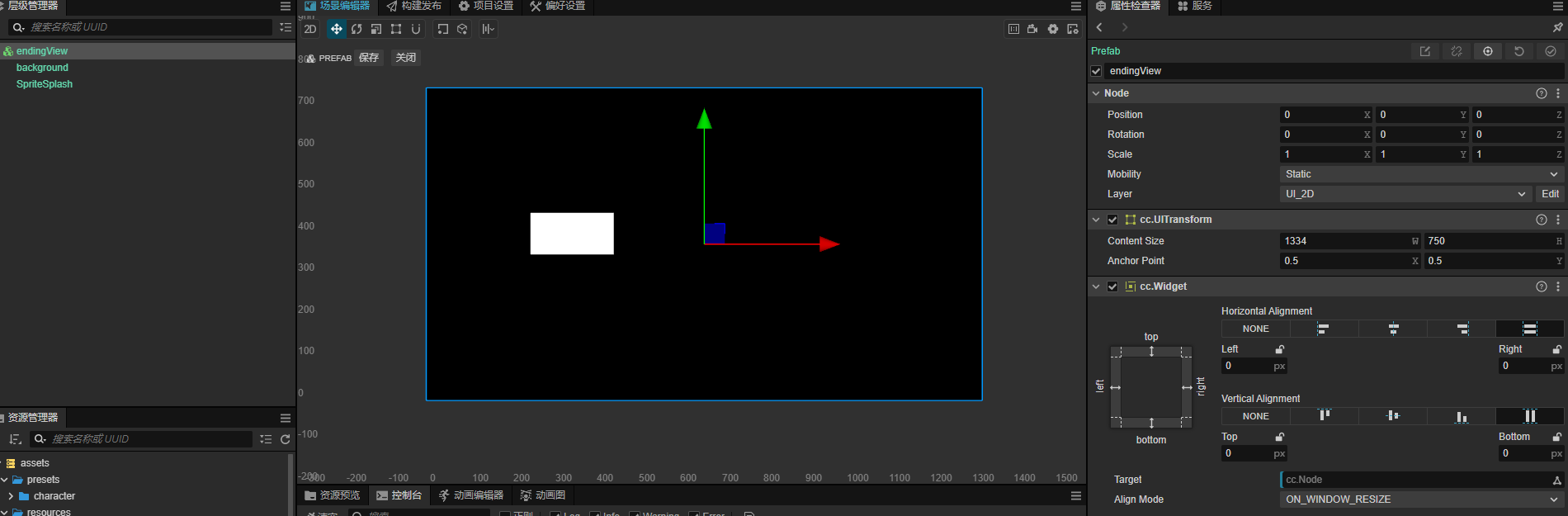
2、写一个插件,在菜单中调用setDesignResolutionSize函数,切换设计分辨率。示例如下:
/**
 * @en Registration method for the main process of Extension
 * @zh 为扩展的主进程的注册方法
 */
export const methods: { [key: string]: (...any: any) => any } = {
    setDesignResolution(width: number, height: number, ratio): void {
        cc.view.setDesignResolutionSize(width, height, cc.ResolutionPolicy.SHOW_ALL);
    },
};
3、IDE中并不会立即刷新,需要鼠标移到UI上面,滚动一下,才会刷新。